86 Name In Display
XTS-IP / XTSc-IP Station User Guide March 2007
To disable the microphone (IP7008D and IP7024D):
1. Press the preprogrammed MUTE button (feature code 629) while
off-hook on speaker or handset to activate.
2. Press the preprogrammed MUTE button again to deactivate. Mute
automatically deactivates upon call termination.
Name In Display
Every extension (Key or SLT) has the capability to program your name so
that people using display telephones will see your name instead of your
station number.
To create your name:
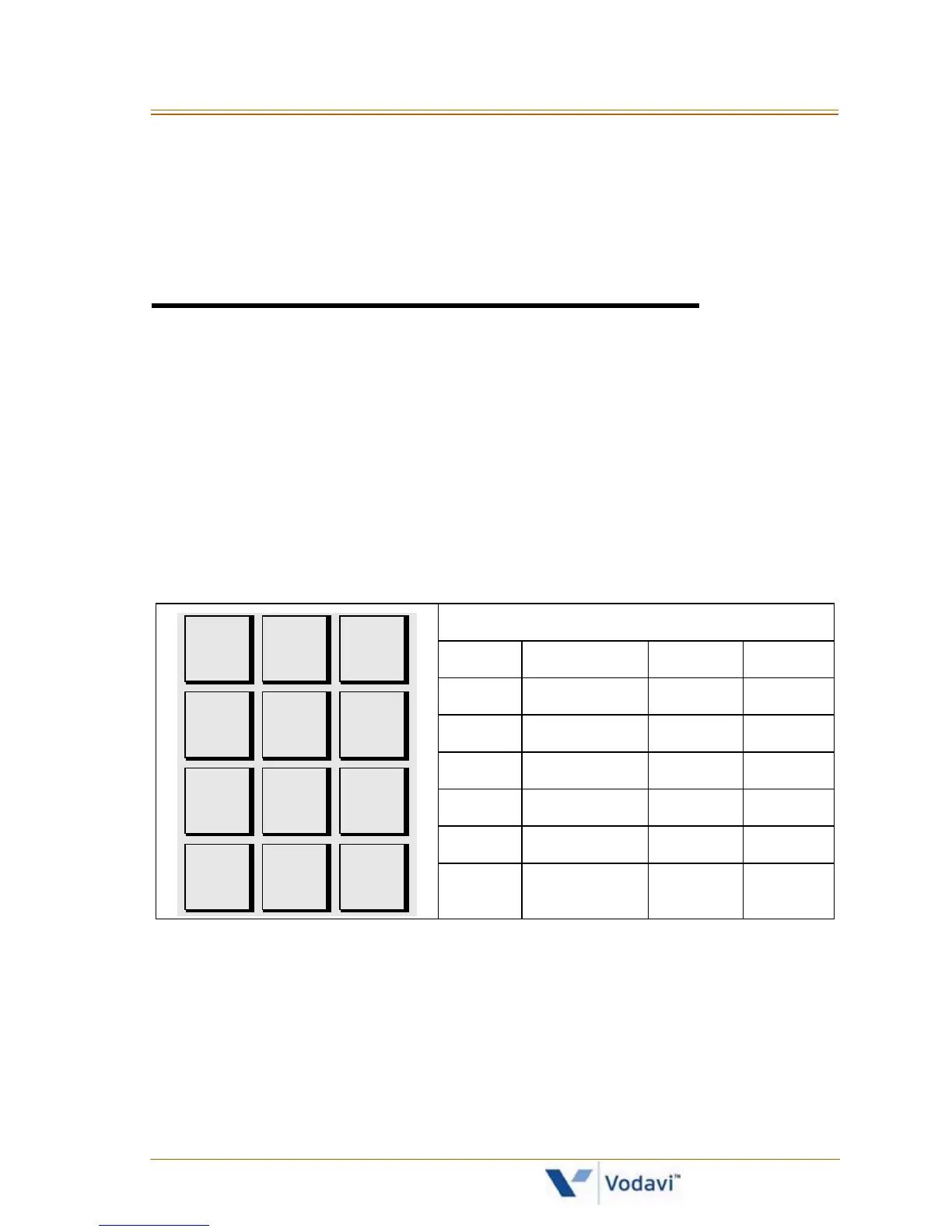
1. Dial [690] on the dial pad.
2. Use dial pad keys to enter your name (up to 7 characters).
3. Press the SPEED button to complete programming process.
To erase your name:
1. Dial [690] on the dial pad.
2. Press the SPEED button to complete the erasing process.
Other Codes
1 = 1# 8 = 8# “ = 01 * = *#
2 = 2# 9 = 9# , = 02 ( = #1
3 = 3# 0 = 0# ? = 03 ) = #2
4 = 4# Space = 11 / = 04 + = #3
5 = 5# : = 12 ! = *1 = = #4
6 = 6# - = 13 $ = *2 # = ##
7 = 7# ‘ = 14 & = *4 . = 24
A - 21
B - 22
C - 23
D - 31
E - 32
F - 33
G - 41
H - 42
I - 43
J - 51
K - 52
L - 53
M - 61
N - 62
O - 63
T - 81
U - 82
V - 83
W - 91
X - 92
Y - 93
Z - 94
P - 71
R - 72
S - 73
Q - 74
#
0
0PER
1
*
D - 31
E - 32
F - 33



 To Next Page