56 Dial-By-Name
XTS-IP / XTSc-IP Station User Guide March 2007
Dial-By-Name
The system allows station users to dial extension numbers or speed
bins, by entering the name of a person that has been programmed for
that station.
The system database allows the entry of a name (alphanumeric) up to
24 characters in length for each station. The programmed name can be
used for dial-by-name station users and in directory dialing.
To use this feature:
1. Dial the Dial-By-Name code
[6
] on the dial pad,
-or-
Press the preprogrammed DIAL-
BY-NAME flexible button.
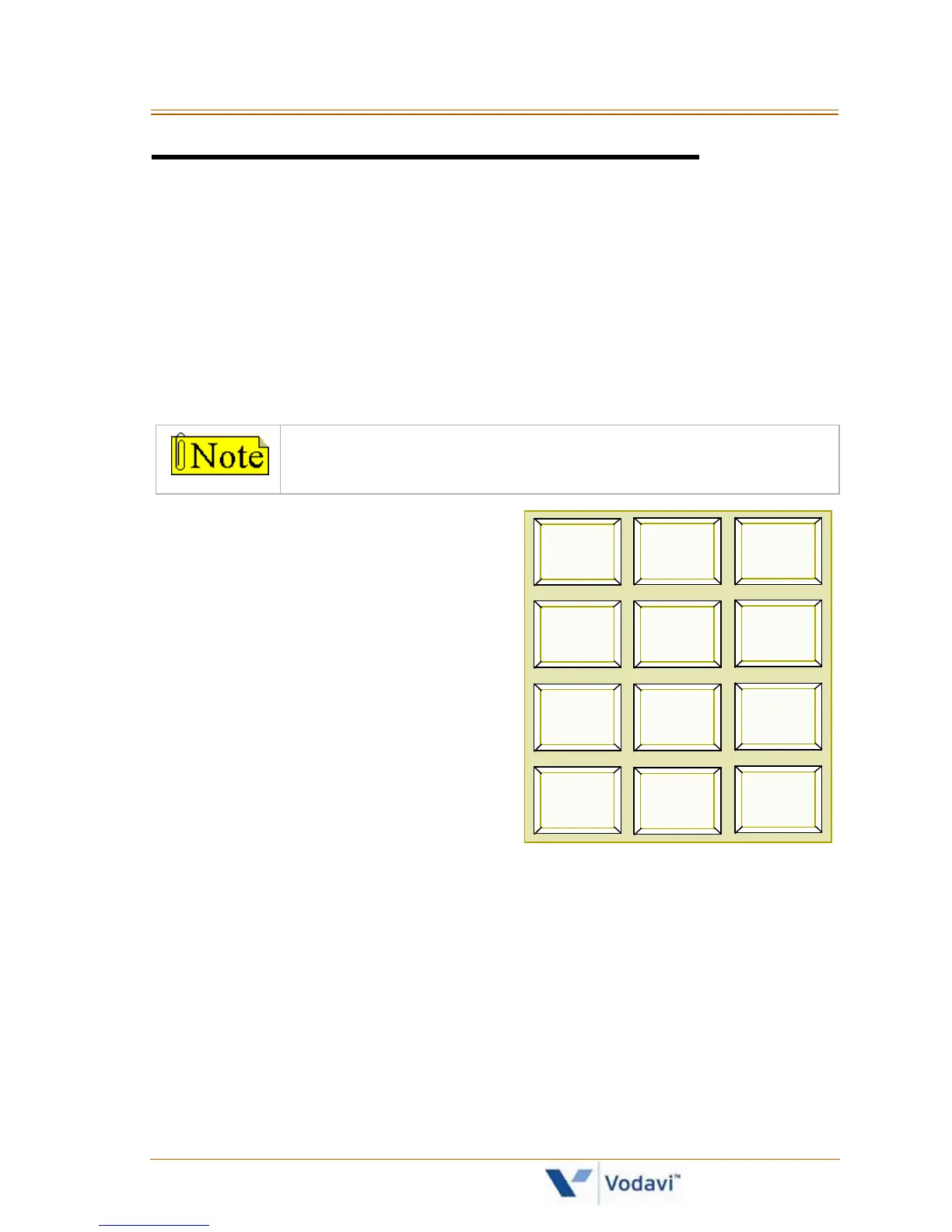
2. Dial the person’s last name on
the keypad as shown.
Example …
To search for the name BROWN,
press [2] [7] [6] [9] [6].
When the system finds a numeric match for the name being dialed:
A call will be placed to the station matching the name.
An intercom call will signal the station according to the
intercom mode selected: H, T, or P.
If fewer than 8 digits are dialed, the numeric match is dialed
after a 10-second interdigit time-out occurs, or when the [#]
key is pressed.
This feature should not be confused with the Name In
Display function.
1
A-2
B-2
C-2
D-3
E-3
F-3
G-4
H-4
I-4
J-5
K-5
L-5
M-6
N-6
O-6
P-7
R-7
S-7
T-8
U-8
V-8
*
OPER
#
0
Q-7
W-9
X-9
Y-9
Z-9



 To Next Page