Attendant Features 21
XTS-IP / XTSc-IP Station User Guide March 2007
To program a custom message:
1. Dial the Custom Message program code [694] on the dial pad. The
following message displays:
2. Enter a valid message bin number [21-30]. The following message
displays after the bin number has been selected.
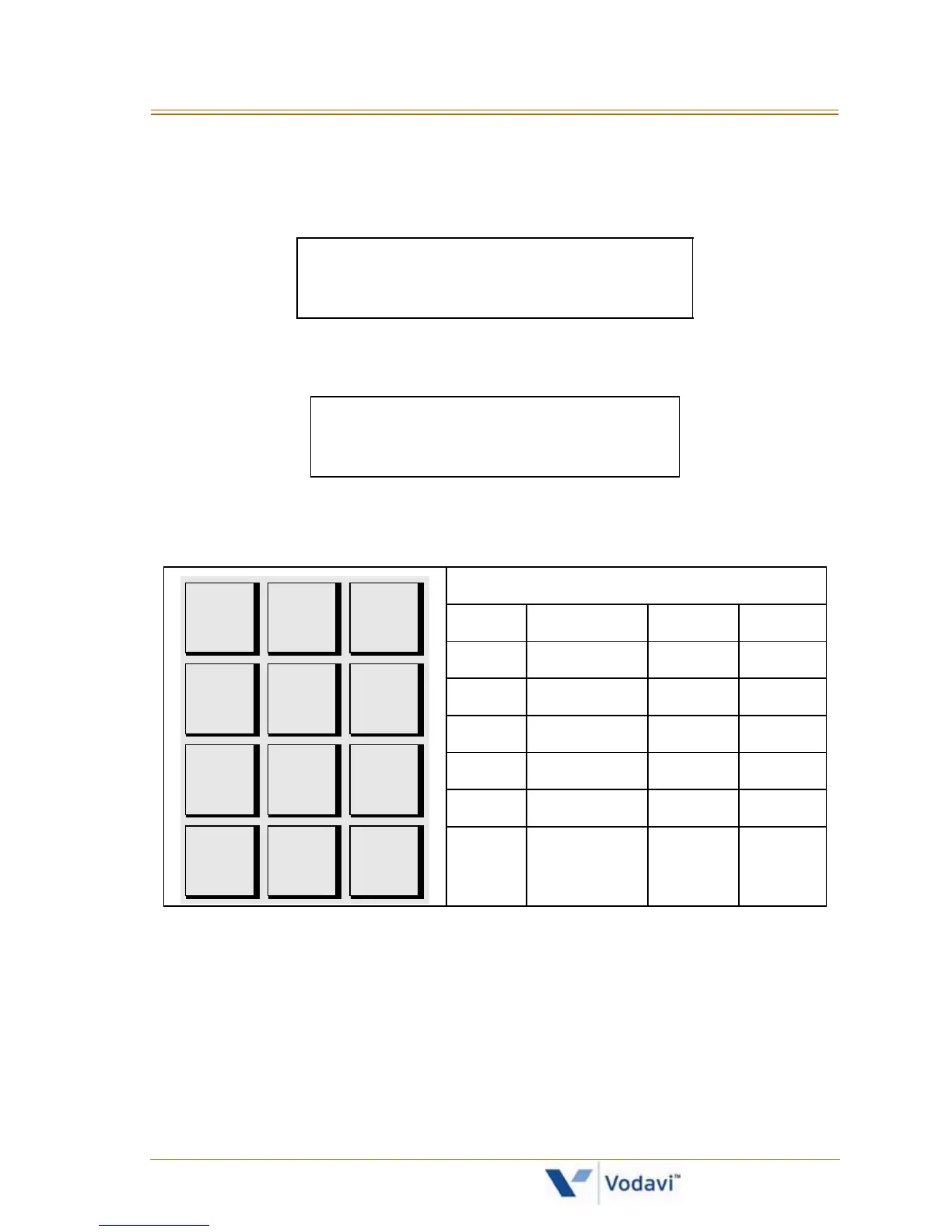
3. Enter the letters for the custom message using the dial pad keys as
shown in the following chart:
Up to 24 alphanumeric characters may be entered (represents
48 digits). Characters display when entered.
Attendant must go idle after programming a message before
another message may be programmed.
4. Press the HOLD button to enter message. A confirmation tone will
sound.
ENTER MSG NO
MMM DD YY HH:MM am
mmmmmmmmmm...
ENTER MSG:
Other Codes
1 = 1# 8 = 8# “ = 01 * = *#
2 = 2# 9 = 9# , = 02 ( = #1
3 = 3# 0 = 0# ? = 03 ) = #2
4 = 4# Space = 11 / = 04 + = #3
5 = 5# : = 12 ! = *1 = = #4
6 = 6# - = 13 $ = *2 # = ##
7 = 7# ‘ = 14 & = *4 . = 24
A - 21
B - 22
C - 23
D - 31
E - 32
F - 33
G - 41
H - 42
I - 43
J - 51
K - 52
L - 53
M - 61
N - 62
O - 63
T - 81
U - 82
V - 83
W - 91
X - 92
Y - 93
Z - 94
P - 71
R - 72
S - 73
Q - 74
#
0
0PER
1
*
D - 31
E - 32
F - 33



 To Next Page