58 Directory Dial
XTS-IP / XTSc-IP Station User Guide March 2007
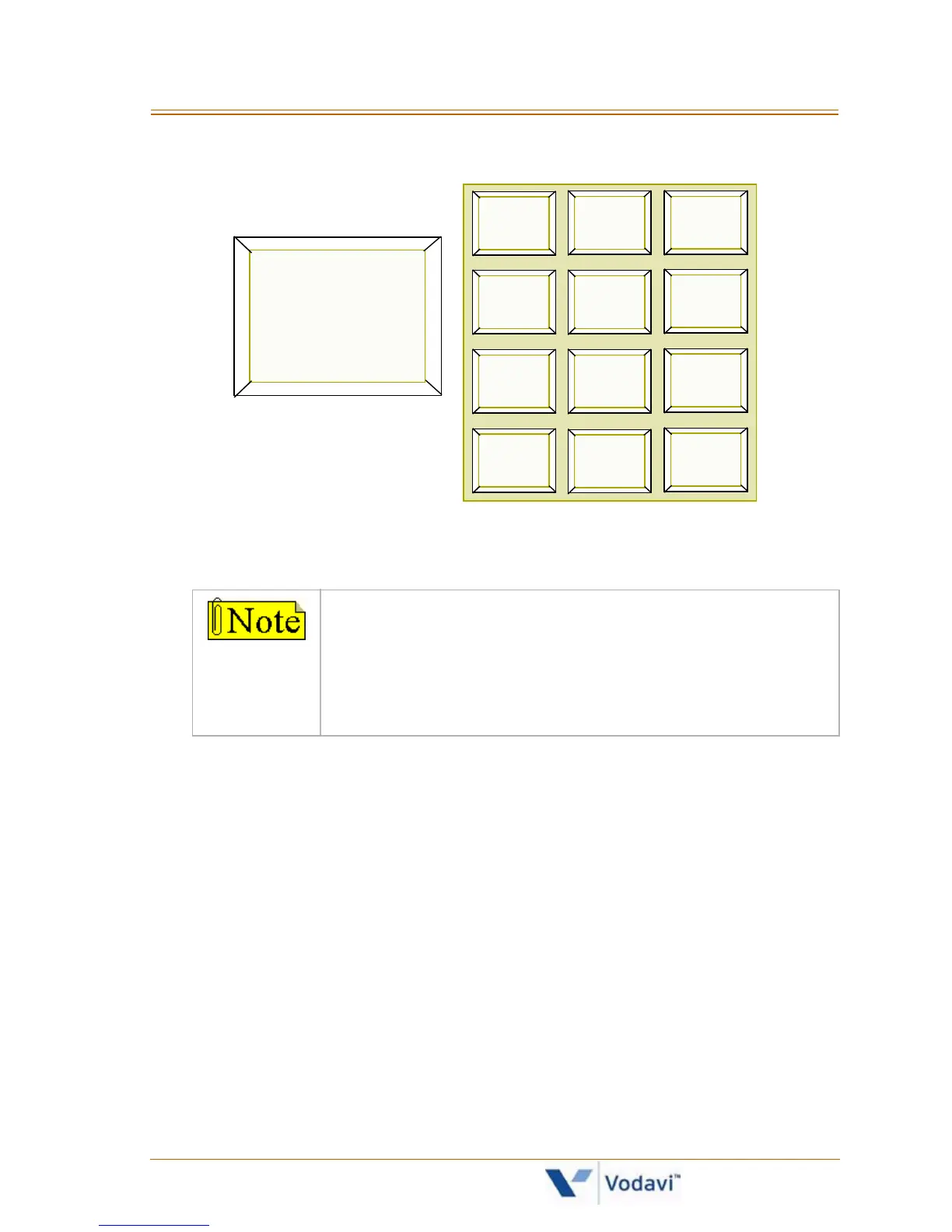
3. The alphabet is represented on the keypad as shown:
Names beginning with the letter chosen will show on the LCD
display.
4. Dial [
] to scroll up (next entry) through the list,
-or-
Dial [#] to scroll down (previous entry) through the list,
-or-
Press another key to view the list for a different letter of the
alphabet.
5. When the desired name displays on the LCD, press the SPEED
button to automatically dial the destination station or outside
phone number (via speed dial).
If there are no names in the Directory List beginning
with the desired letter, a name with the next higher
letter displays on the LCD display.
Letters “Q” and “Z” are not marked on many telephone
keypads; however, the illustration above shows the
correct keys used to access these letters.
1
A B C D E F
G H I J K L M N O
T U V
*
#
0
23
456
789
W X Y ZP Q R S
O P E R
A = 2
B = 22
C = 222



 To Next Page