Operator Manual / 2. Safety
24
Feature Description
Shielding Lead shielding built into the scanner prevents radiation leakage.
Protective
curtains
A double layer of offset protective curtains at both ends of the tunnel prevents
radiation leakage. Shrouds extending from the protective curtains prevent people from
reaching inside the tunnel.
Photosensors Infrared sensors only trigger the generation of X-rays when items are in the tunnel.
Indicator
lights
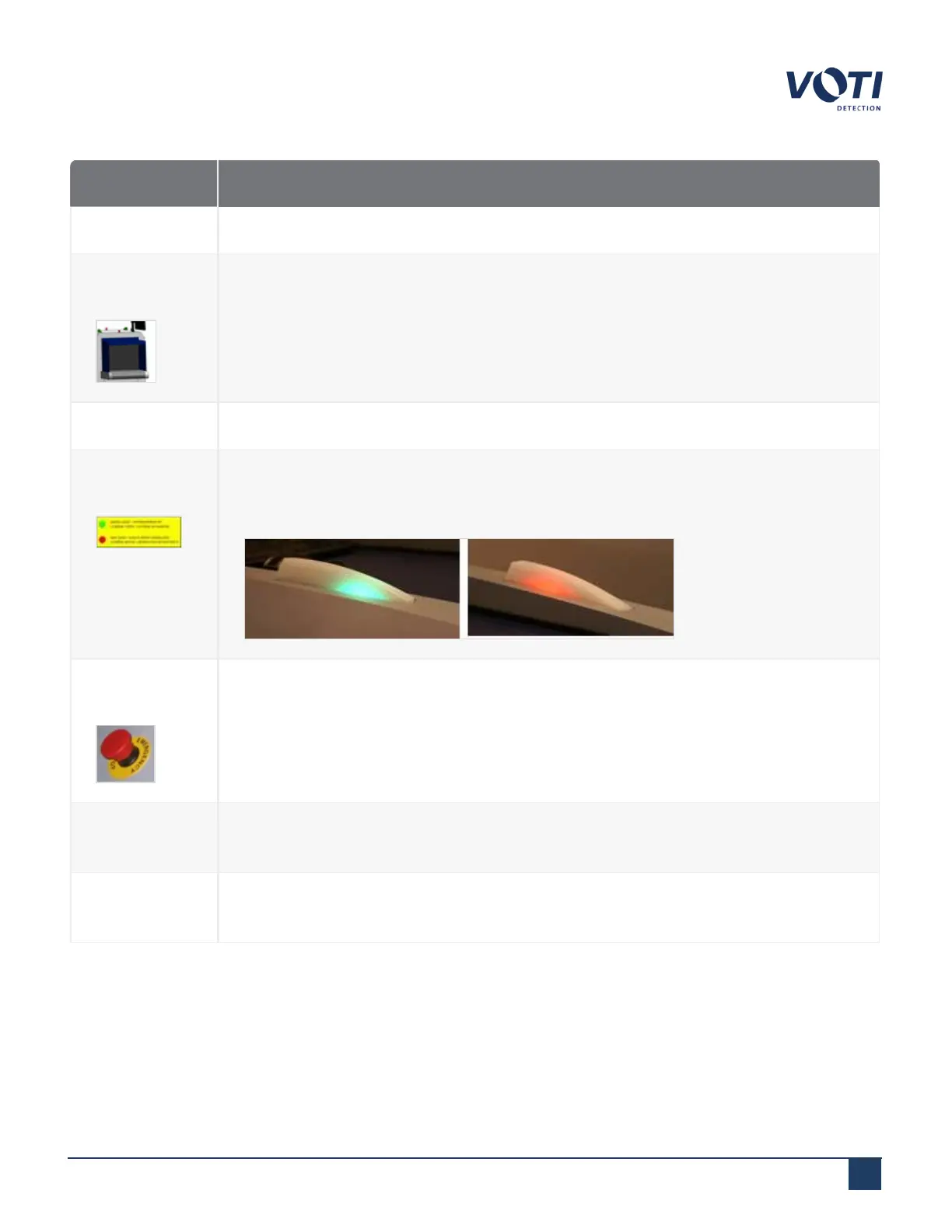
Indicator lights on top of the unit provide a visual indication of the XR3D status. Green
lights indicate that the scanner is powered on but no X-rays are being generated. Red
lights indicate that the scanner is generating X-rays.
Emergency
stop buttons
The emergency stop buttons cut power to the X-ray generator and conveyor. Pressing
one of the emergency stop buttons on the scanner immediately stops the generation of
X-rays and the conveyor.
Interlock
switches
Interlock switches prevent X-rays from being generated when the XR3D access panels
are open.
Locked
access panels
Locked access panels prevent tampering by unauthorized persons.
© VOTI2020 / 900116-001



 To Next Page