Operator Manual / 2. Safety
25
Feature Description
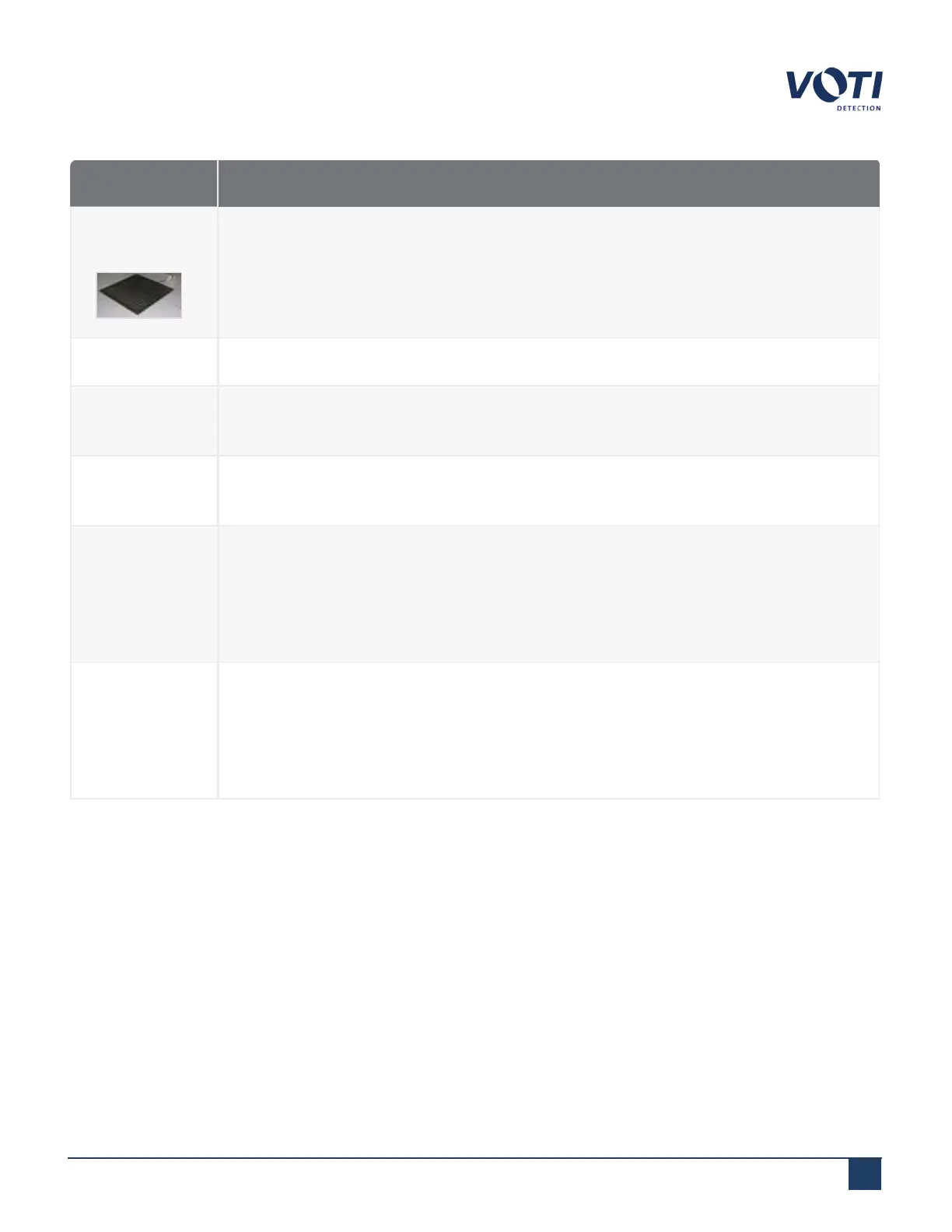
Safety mat
(optional)
The optional pressure-sensitive mat ensures that an operator is in front of the scanner
during operation. If no one is standing on the mat, the X-ray generator will not start.
Stepping off the safety mat while generating X-rays immediately stops X-ray generation.
Operator key A key is required to operate the X-ray scanner.
Security
passwords
User identification and software passwords are required for all operators.
Intelligent
software
The X-ray generator is disabled if a system malfunction is detected.
Circuit
breaker and
UPS
The scanner is preset at the factory to run at either 110–120 VAC at 60 Hz, or 220–240
VAC at 50 Hz. The setting is marked on the scanner near the power input. Should the
VAC power be cut, the UPS supplies power to the computer and monitors for at least 3
minutes to safely shut down the system and ensure that all data is saved. The circuit
breakers cut power to the scanner in the event of a power supply overload.
Machine
labels
Labels identifying the manufacturer, model designation, serial number, and date and
place of manufacture are located on the right base panel of the machine. These labels
can also be found on the exterior surface of the X-ray generator (normally only visible
during servicing). These labels must not be removed by the purchaser or user, and this
information must be included on all reports.
© VOTI2020 / 900116-001



 To Next Page