Operator Manual / 3. Getting started
36
4.
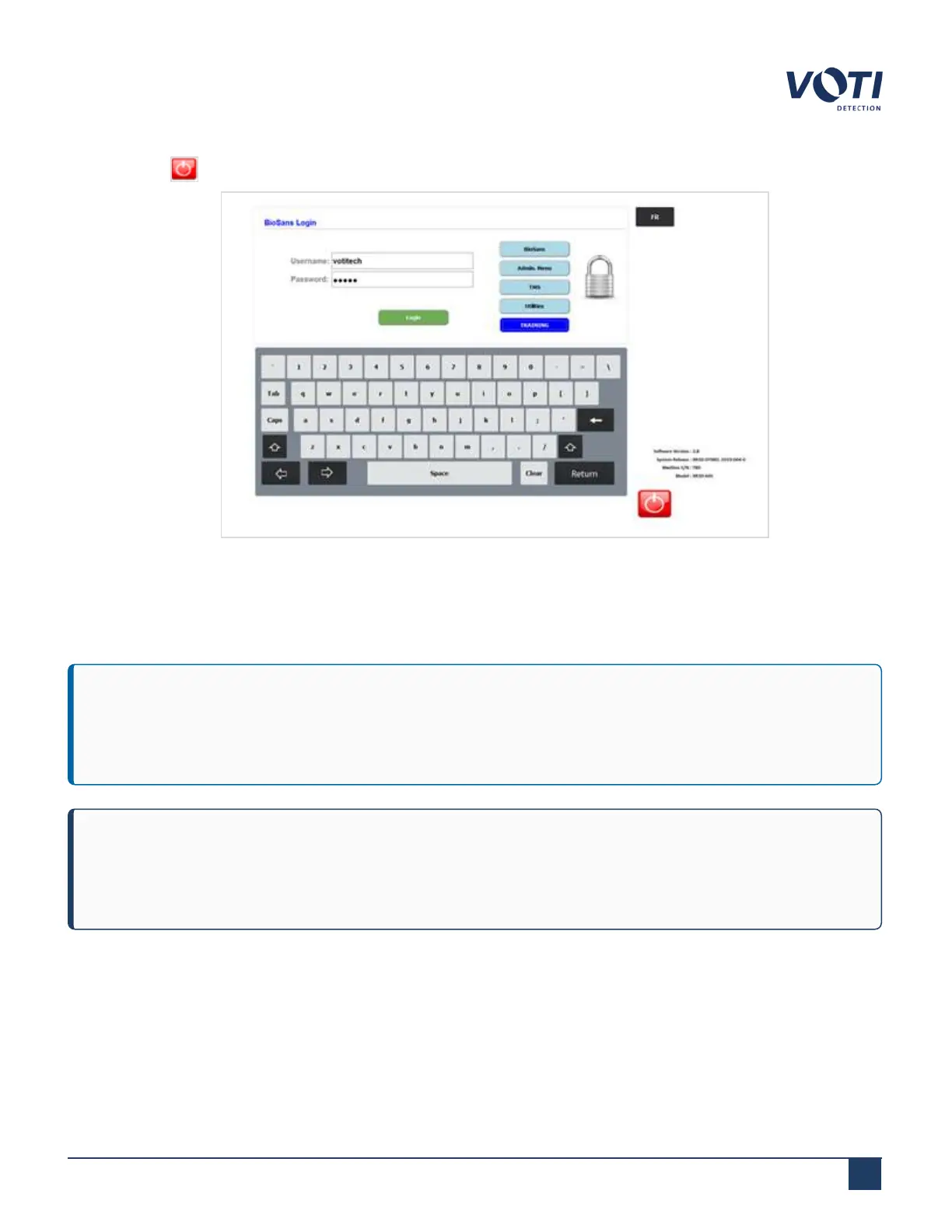
Click the button on the operator login screen to turn off the computer.
Figure 16 - BioSans™ Login Menu - Power Off Button
5.
Turn the control board key to the Lock position.
6.
Turn the circuit breaker to the OFF position.
IMPORTANT
If performing a maintenance task that requires all power be removed, push the UPS on/off button until it
beeps, indicating the unit is off. For additional safety, unplug the power cable from the wall outlet.
NOTE
To preserve the output and life expectancy of the X-ray generator, the XR3D should remain powered on at
all times.
© VOTI2020 / 900116-001



 To Next Page