Operator Manual / 4. Interface
53
If the system detects a threat, the scanned item’s image is tagged with a software MSR flag (for example, MSR is added
to the file name). This software flag is used as a filter in the Archive interface.
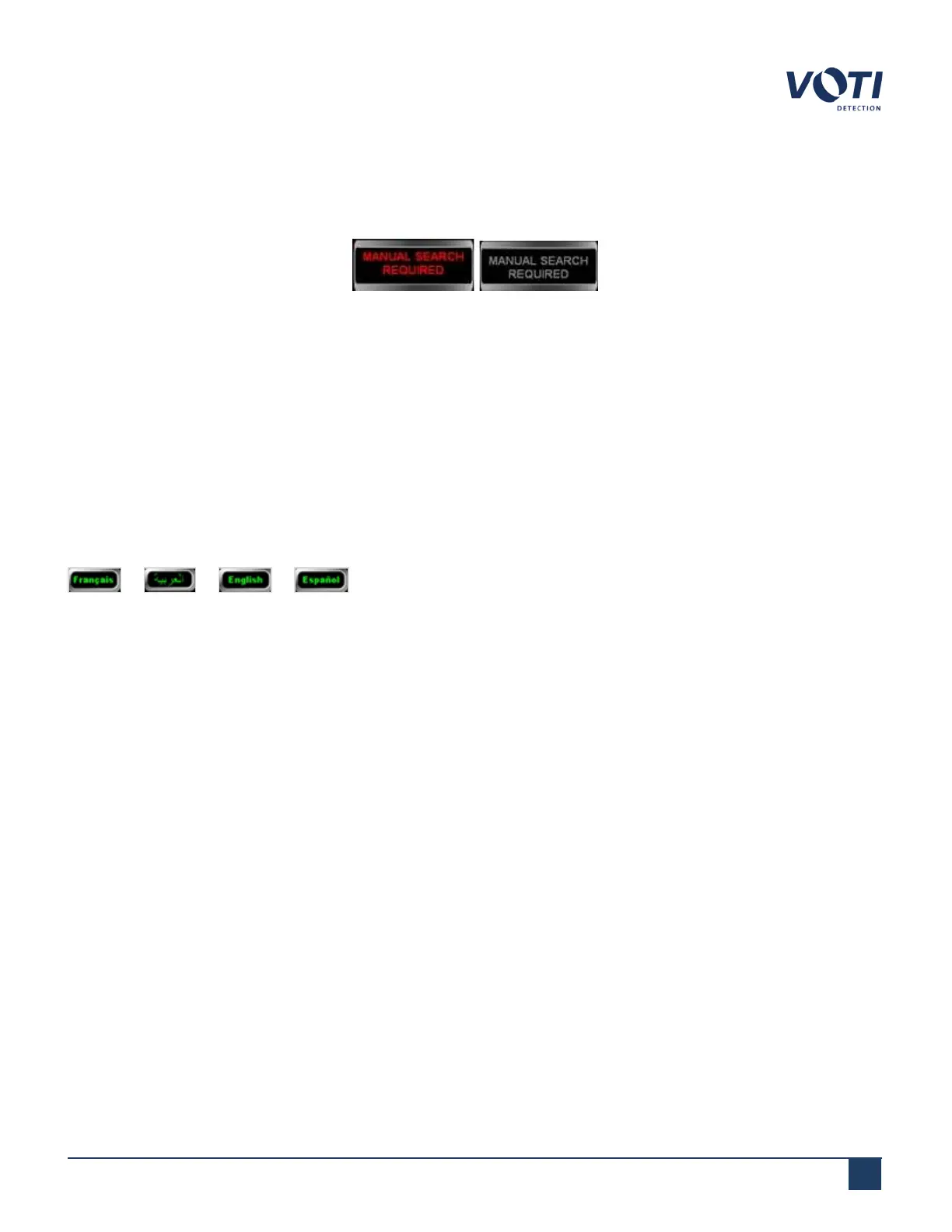
A Manual Search Required message flashes in the MSR message area at the bottom of the screen:
Figure 41 - Manual Search Required
4.7.5 MSR
Clicking MSR, while in Live mode, flashes an alert in the System & Operator Messages area and in the MSR message
area at the bottom of the screen. The scanned item’s image is also tagged with an MSR flag (for example, MSR is
added to the file name) which is used as a filter in the Archive interface. In addition to saving the information to the
database in the Output folder, the MSR data is also stored in a separate folder only for MSR-tagged scans.
4.7.6 Language
or or or etc. Clicking the language button toggles the operator Interface to display
the controls in the selected language. The default and second display languages can be set in the Language
Selection section of the administration module.
© VOTI2020 / 900116-001



 To Next Page