Operator Manual / 4. Interface
52
Figure 39 - Example of HAI
The highlight color is customizable, and each threat type can be assigned its own color.
4.7.4 ICON
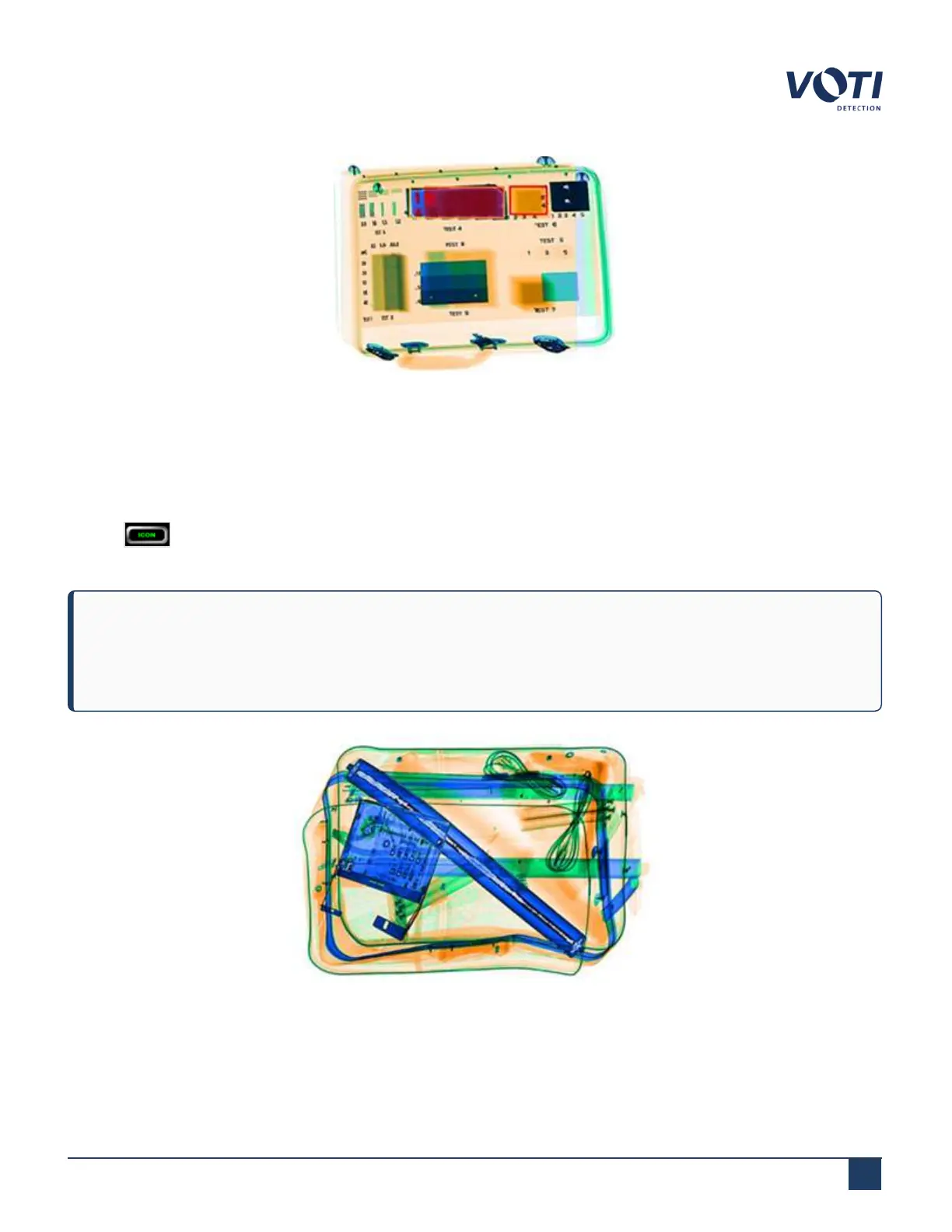
Clicking (Image Contrast Optimization) toggles the function on or off. The ICON function optimizes the view of
object scanned.
NOTE
Only one of the HAI or ICON functions can be configured at a given time. By default, the XR3D scanner is
configured with ICON.
Figure 40 - Example of ICON
© VOTI2020 / 900116-001



 To Next Page