Operator Manual / 6. Administration module
91
l
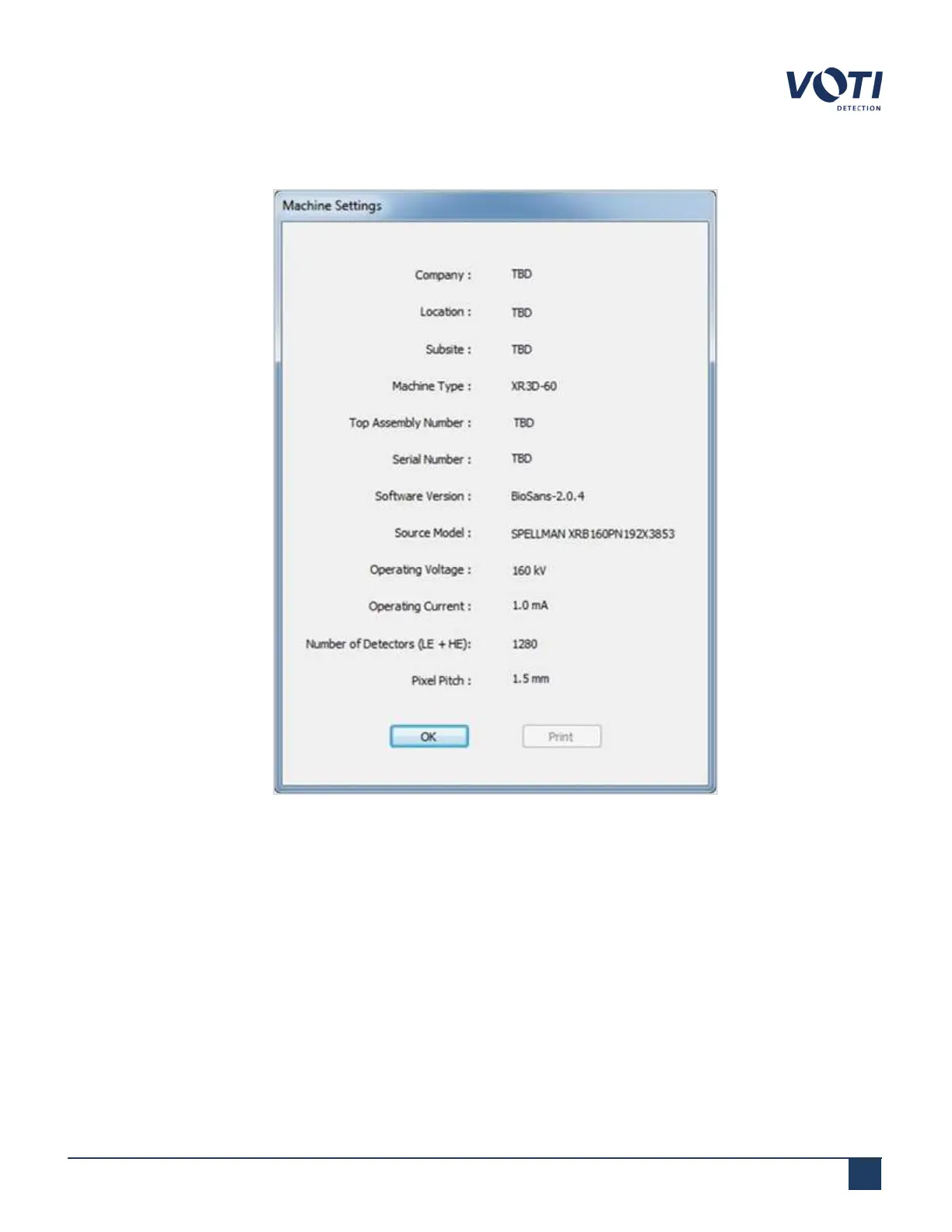
Machine Settings – Displays a window showing basic machine information.
Figure 85 - Machine Settings Window
l
V-View – Prompts a BioSans™ application that maintenance staff can use to align the generator. This is
performed by a technician or an administrator/supervisor in this module.
l
Monoblock – Prompts a BioSans™ application to season the generator. This is performed by a technician only.
Administrators and supervisors do not have access to this application.
l
X-Ray Seasoning – Activates the application to season of the X-ray generator. If the XR3D has been powered
down for longer than 3 days, the X-ray generator tube must be seasoned to prevent damage to the tube.
© VOTI2020 / 900116-001



 To Next Page