Operator Manual / 6. Administration module
92
“Seasoning the tube” applies energy to warm the tube at a controlled rate.
l
Image Calibration – Prompts a BioSans™ application to recalibrate the future scanned image data. This should
be performed by a technician only.
l
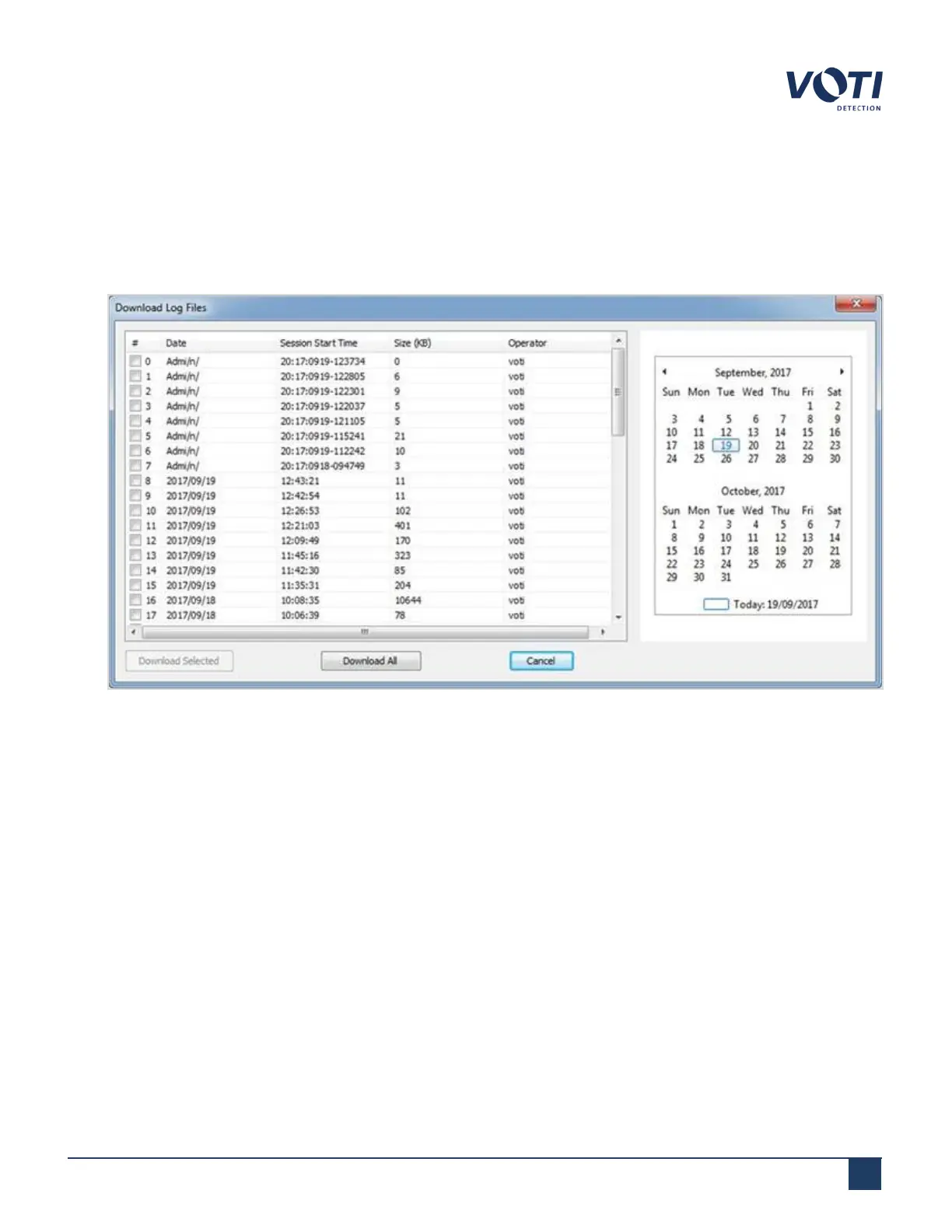
System Logs – Launches a window showing a list of log files with the option to download them to an external
USB key. These logs are important for checking machine behavior and detecting the root causes of errors.
Figure 86 - System Logs Window
l
DIOX – Prompts a BioSans™ application to check and verify the XR3D scanner input and output. This tool is for
technicians only.
l
Configuration Editor – Launches the Configuration Editor tool. This is only accessible to technicians.
l
VDiag – Launches the VDiag screen, which shows the system status and ensures if the system is ready. This is
performed by a technician or an administrator/supervisor in this module.
© VOTI2020 / 900116-001



 To Next Page