46
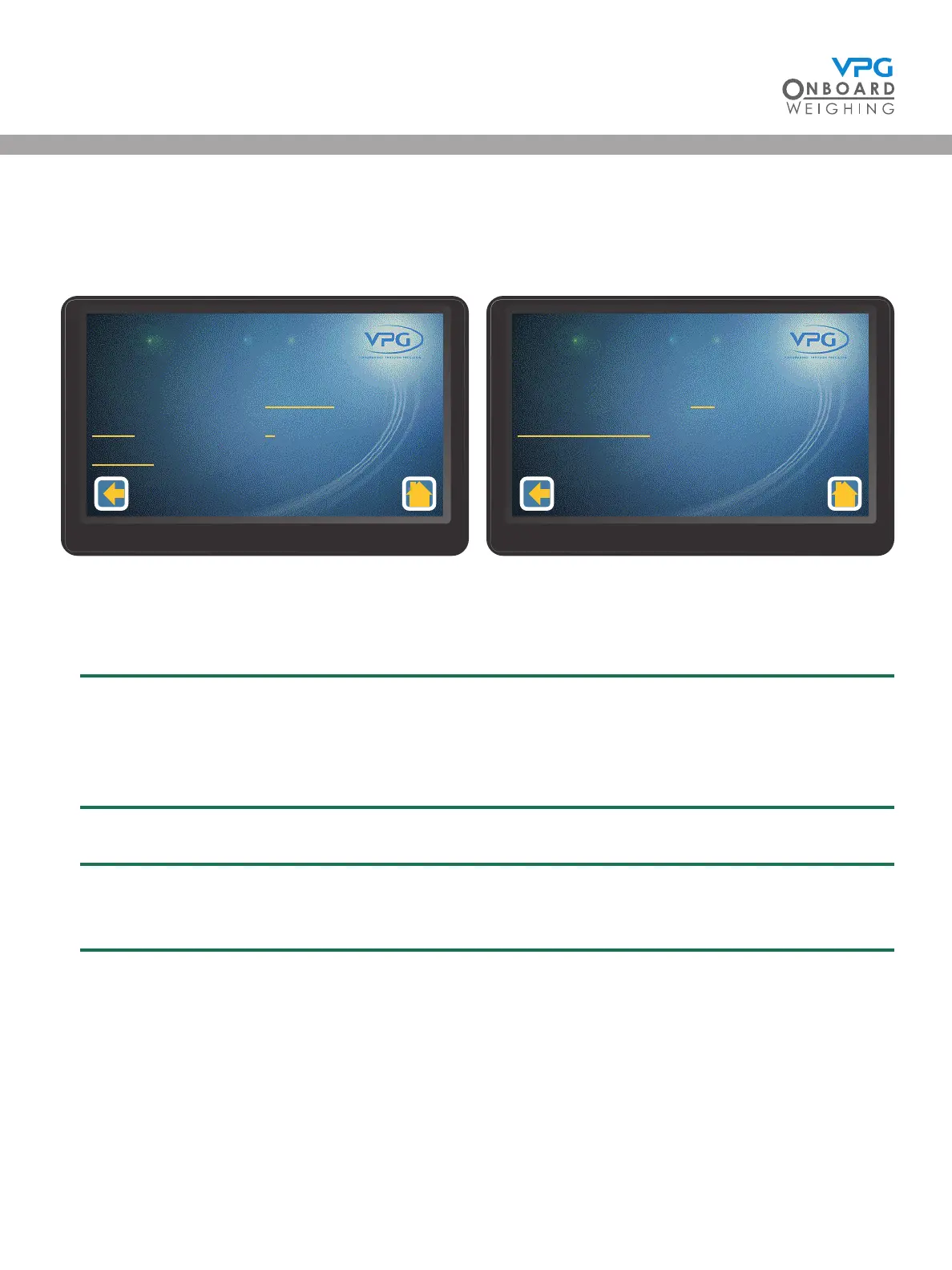
19. Tap the back icon. A message box is displayed saying ‘Update Cong-Send Sensor Map to
Jbox?’
20. Tap Yes to update and return to junction box setup page:
21. Tap the Jitter Filter value to set the jitter lter for the display.
22. Set the jitter lter.
The jitter lter is only required if the displayed weights uctuate on the display unit when the
vehicle is stationary. Set to o to turn the jitter lter o. Set to 1,2, or 3 to apply a stabilising
lter to the data that is displayed on the home page. This should be set to the required level
after the calibration is complete.
23. Tap the back icon.
If the jitter lter has been changed a message box will appear saying ‘Settings have changed-
Send to Jbox (Yes)-Discard changes (No)’. Tap Yes to update.
Juncon Box
Orientaon
Axles
Sensors
1 - 1
Disabled
2
3
Juncon Box Set Up
1/2
Juncon Box
Jier Filter
Restore Defaults
1 - 1
O
Juncon Box Set Up
2/2
VanWeigh
®


 To Next Page