38
A
B
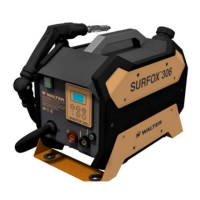
SURFOX 306
USER MANUAL
• Press the button on the control panel to start the device.
Once started, the device switches o automatically after approximately 30 seconds of inactivity.
This is a precautionary measure to prevent the wand from being accidentally powered at the end of processing.
When using the DW wand, the fume abatement system built into the device does not come into operation,
therefore an adequate external extraction device must be operating.
UTILIZATION OF THE INDICATORS ON THE DISPLAY
During processing, bar indicators appear on the display showing in real time the voltage and current supplied by the device
(see chapter 3.1). When the workpiece is not being touched, no current passes through the wand and the voltage is maintained
at half the set voltage. The voltage only starts to rise gradually when work actually starts, thus minimizing the likelihood of
arcing or sparking at the point of contact between the brush/insert and the weld to be cleaned/polished.
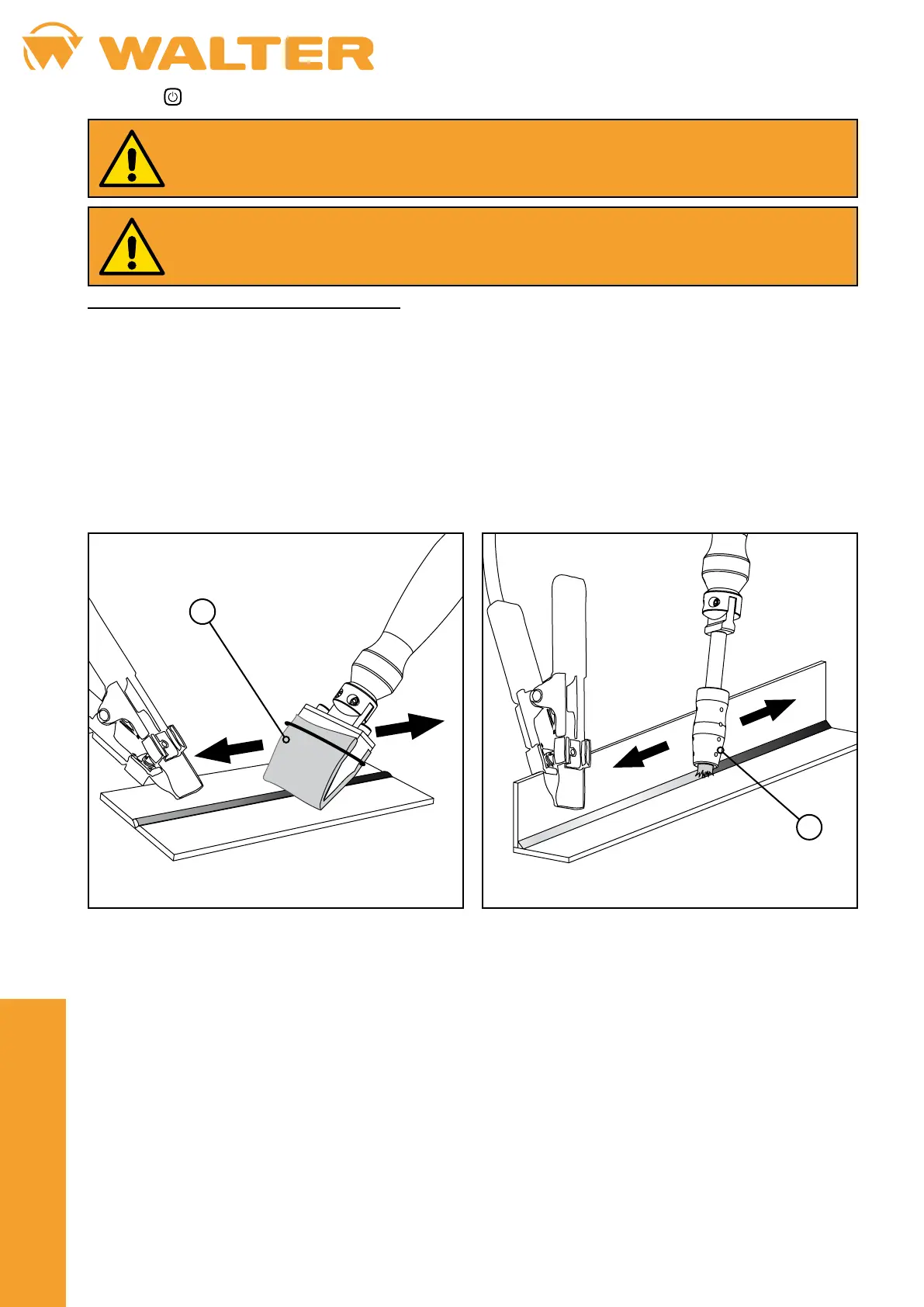
• The 100 mm or 45 mm pad (A) is particularly suitable for large welds, while the DW brush (B) is suitable for hard-to-reach
welds.
• Start cleaning/polishing by positioning the pad/brush on the stainless steel workpiece.
• Pass the pad/brush over the weld by applying light pressure and continue the process until each sign of oxidation is
completely removed. Sparks and foam may form at the contact point between the brush/pad and the weld during processing.
This is perfectly normal.
• If necessary, use the – and + buttons on the control panel to adjust the output voltage and to obtain better results (if you
change operating mode, the voltage returns to the default level preset by the manufacturer).


 To Next Page