Maintaining the column compartments 115
3. Open the sample manager door, gently pulling its right-hand edge
toward you.
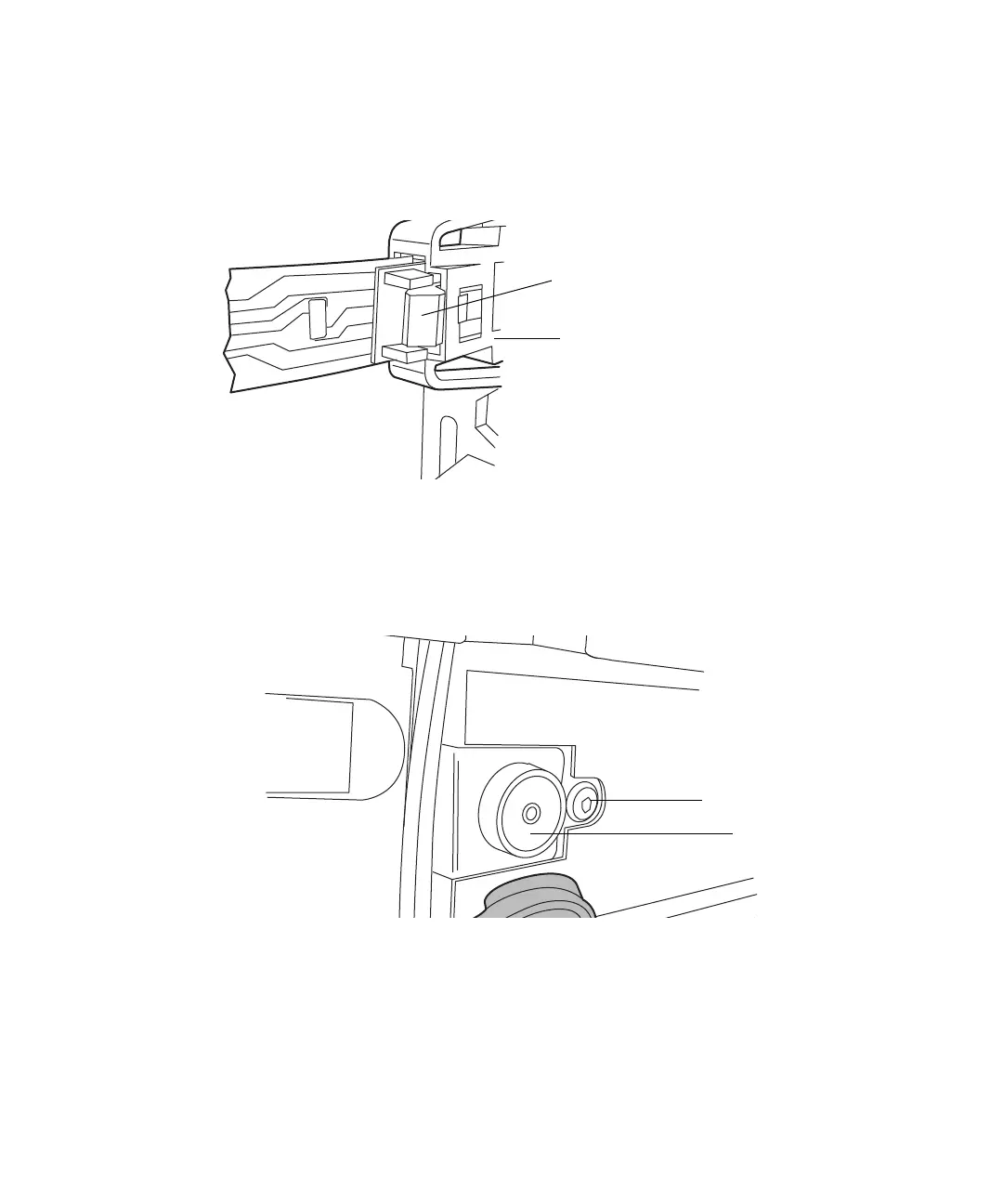
4. Press down on the tab to detach the leak sensor connector from the front
of the instrument.
5. Disconnect the column-outlet PEEK tubing from the detector inlet.
6. Remove any solvent lines routed behind the column heater door.
7. Remove the TORX screw from the right-hand side of the column heater,
just behind the eCord receptacle.
Leak sensor
connector
Press down on tab to
release connector
TORX screw
eCord
receptacle












 To Next Page