Preparing the column compartments 89
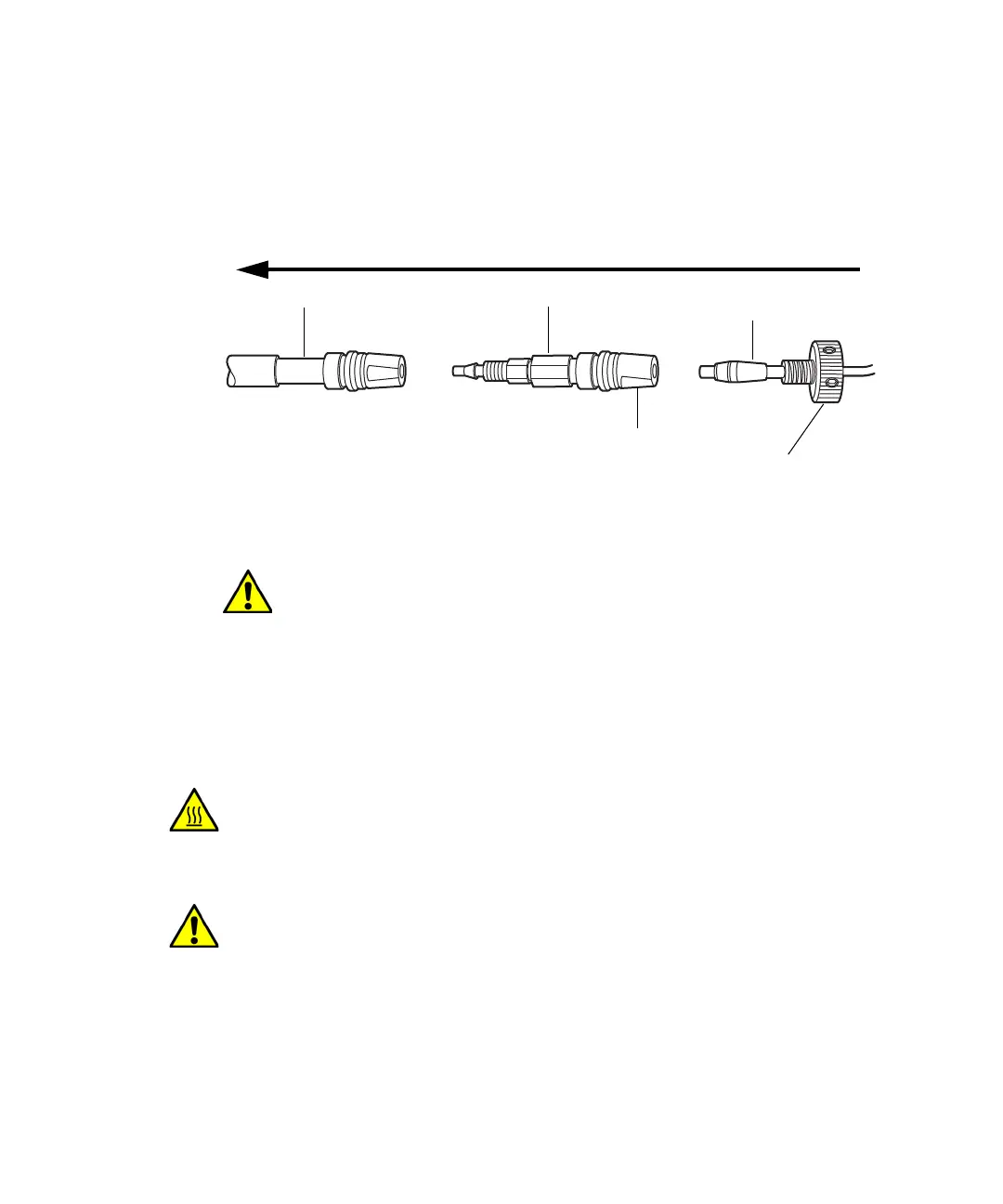
2. Remove the column in-line filter unit from its packaging, and then push
the outlet end of the active preheater or column stabilizer tubing
assembly into the in-line filter inlet until it stops.
Installing the in-line filter:
3. Holding the reusable fitting in place, rotate the in-line filter unit onto
the fitting until it is snug.
4. Finger tighten the fitting until it is snug, and then tighten it up to an
additional 1/6-turn.
Installing the column
The procedure for installing the column varies depending on the column
heater model.
Caution: To avoid damaging the tubing, use only your fingers to
tighten the tubing fittings.
Warning: To prevent burn injuries, set the column temperature to Off,
and then allow the column compartment and its components to cool for
60 minutes before touching them. Monitor the column compartment
internal temperature to ensure all components are cool.
Caution: To prevent contaminating system components, wear clean,
chemical-resistant, powder-free gloves when installing the column.
Flow
In-line filter unit
Column
From column stabilizer
tubing assembly
Inlet
Reusable fitting












 To Next Page