122
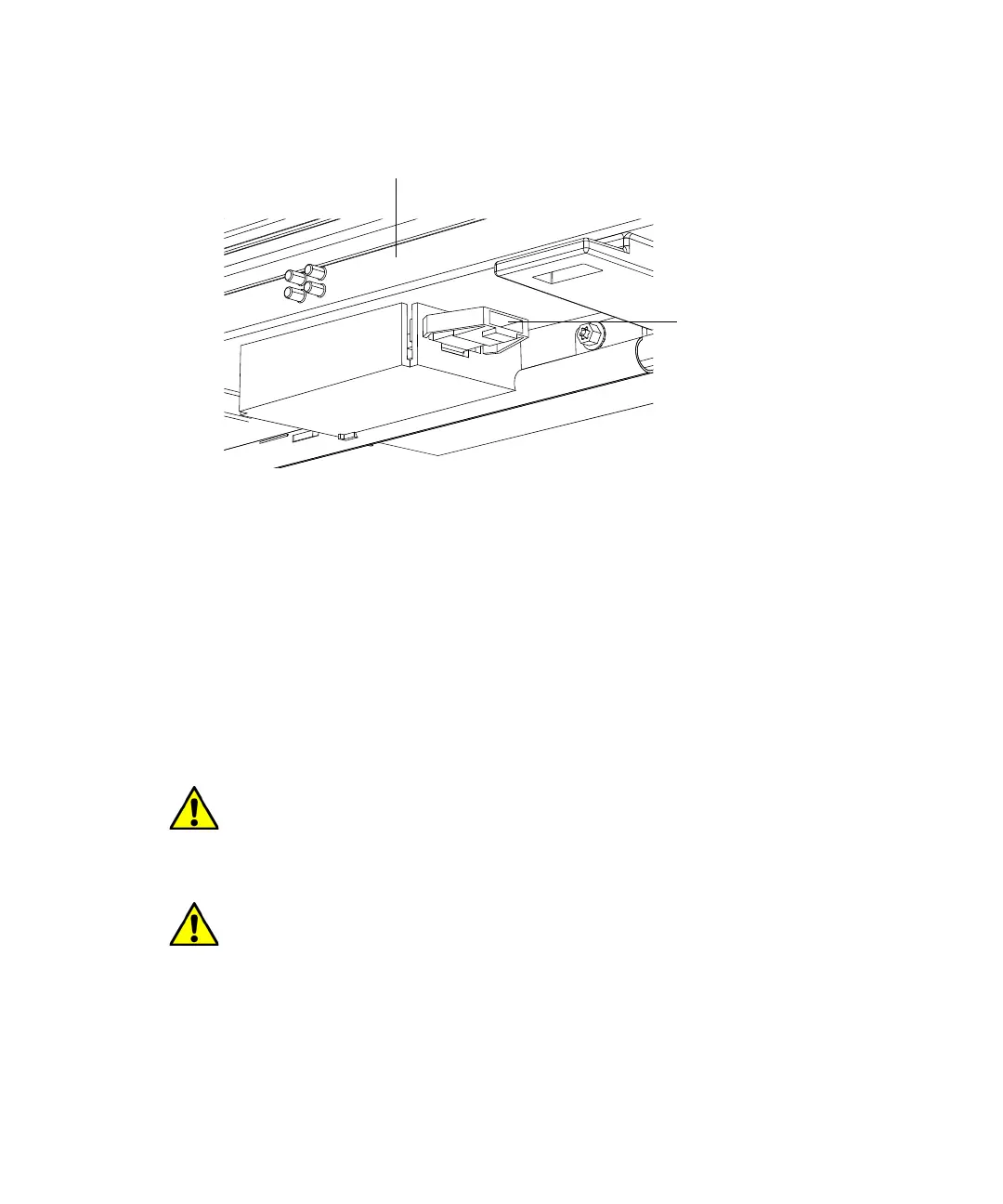
7. Plug the leak sensor connector into the receptacle on the front of the
instrument.
8. Power-on the column manager.
9. In the ACQUITY UPLC Console, select Column Manager from the
system tree.
10. In the column manager information window, click Control > Reset CM,
to reset the column manager.
Replacing the column manager switching-valve cartridge
Before replacing the switching-valve cartridge, ensure you have the correct
part for your system type (ACQUITY regular or Bio).
Warning: To avoid the harmful effects of personal contact with solvents,
including inhalation, observe Good Laboratory Practice when you
handle them. See the Material Safety Data Sheets for the solvents you
use.
Caution: To prevent contaminating system components, wear clean,
chemical-resistant, powder-free gloves when replacing the column
manager switching-valve cartridge.
Leak sensor
connector receptacle
Front of instrument












 To Next Page