Preparing the column compartments 87
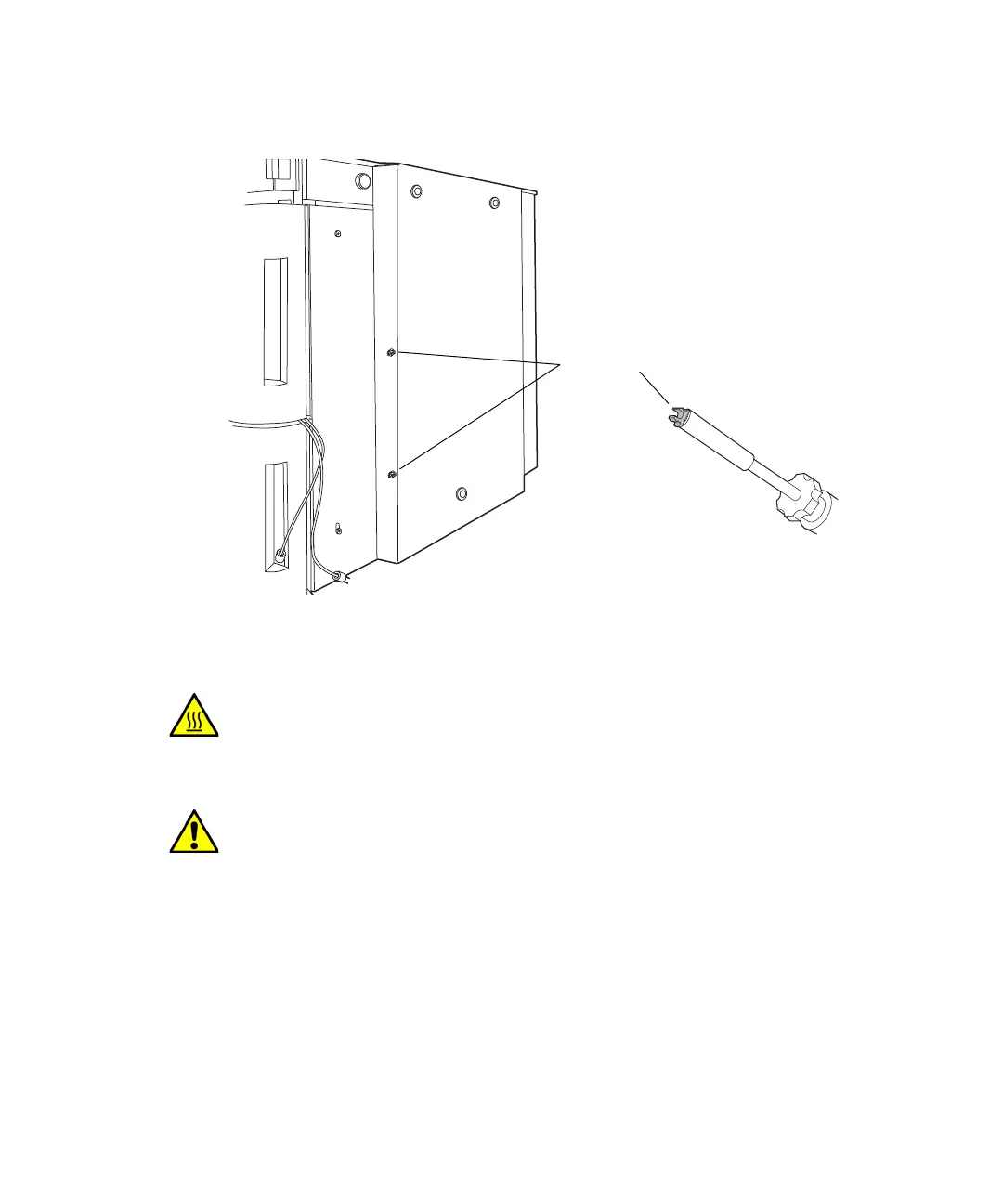
9. Load the clip into the bit driver in the orientation desired, and then snap
into the bracket.
Installing the optional column in-line filter
You can install a 0.2-m in-line filter to protect the analytical column and
other system components from a build-up of particulate matter, improving
column lifetime and minimizing system downtime.
Warning: To prevent burn injuries, set the column temperature to Off,
and then allow the column compartment and its components to cool for
60 minutes before touching them. Monitor the column compartment
internal temperature to ensure all components are cool.
Caution: To prevent contaminating system components, wear clean,
chemical-resistant, powder-free gloves when installing the optional
column in-line filter.
Tubing clip
1/4-inch bit
driver












 To Next Page