86
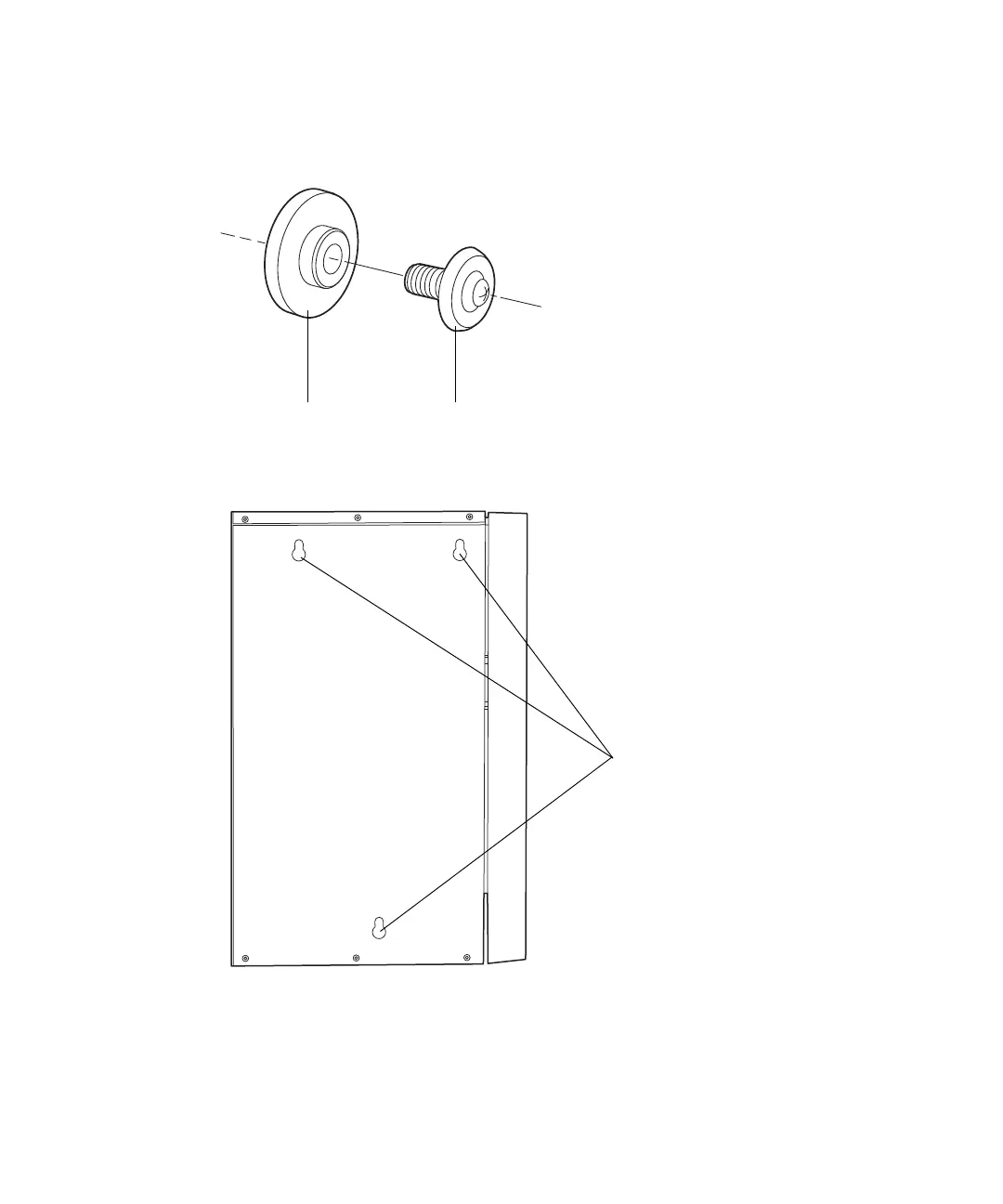
6. Insert the three, M4, blue, cover screws through the three side-panel
spacers, and then screw them into the three threaded holes in the
bracket’s center panel.
7. Mount the column heater/cooler onto the bracket, fitting the column
heater/cooler mounting holes over the M4 cover screws.
8. Using a 1/4-inch bit driver, attach the black, tubing clips to the front of
the bracket.












 To Next Page