Preparing the column compartments 85
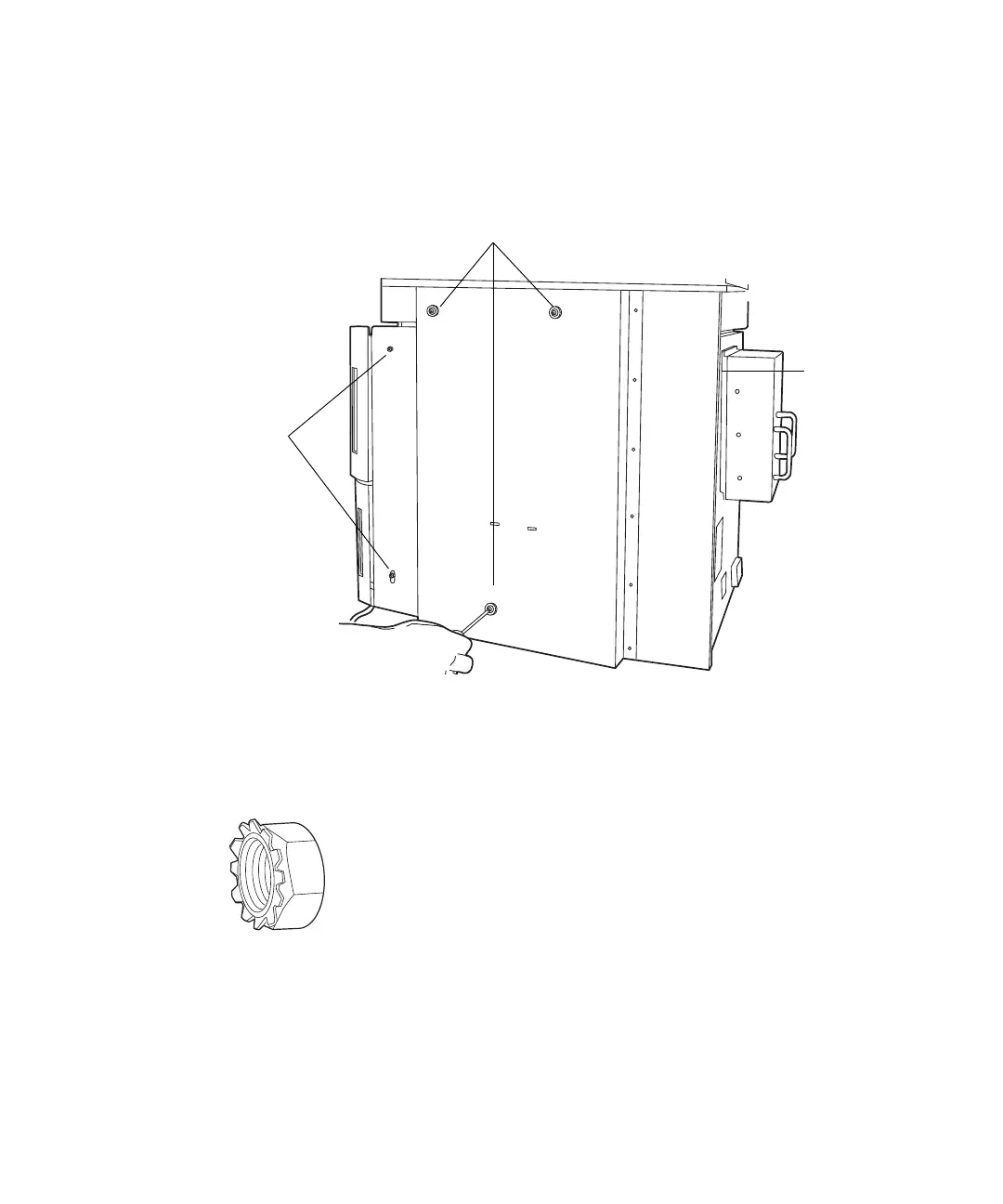
4. Insert two M4 × 16 screws into the slots on the bracket’s left-hand panel,
leaving the first screw loose until both screws are inserted. Then tighten
both screws.
5. Add an M4 Keps
®
nut to the ground stud at the rear of the sample
manager, and tighten with a 7-mm adjustable wrench.
M4 Keps nut:
M4 × 16
screws
Ground
stud
M4 side panel
spacers with
cover screws












 To Next Page