Preparing the column compartments 45
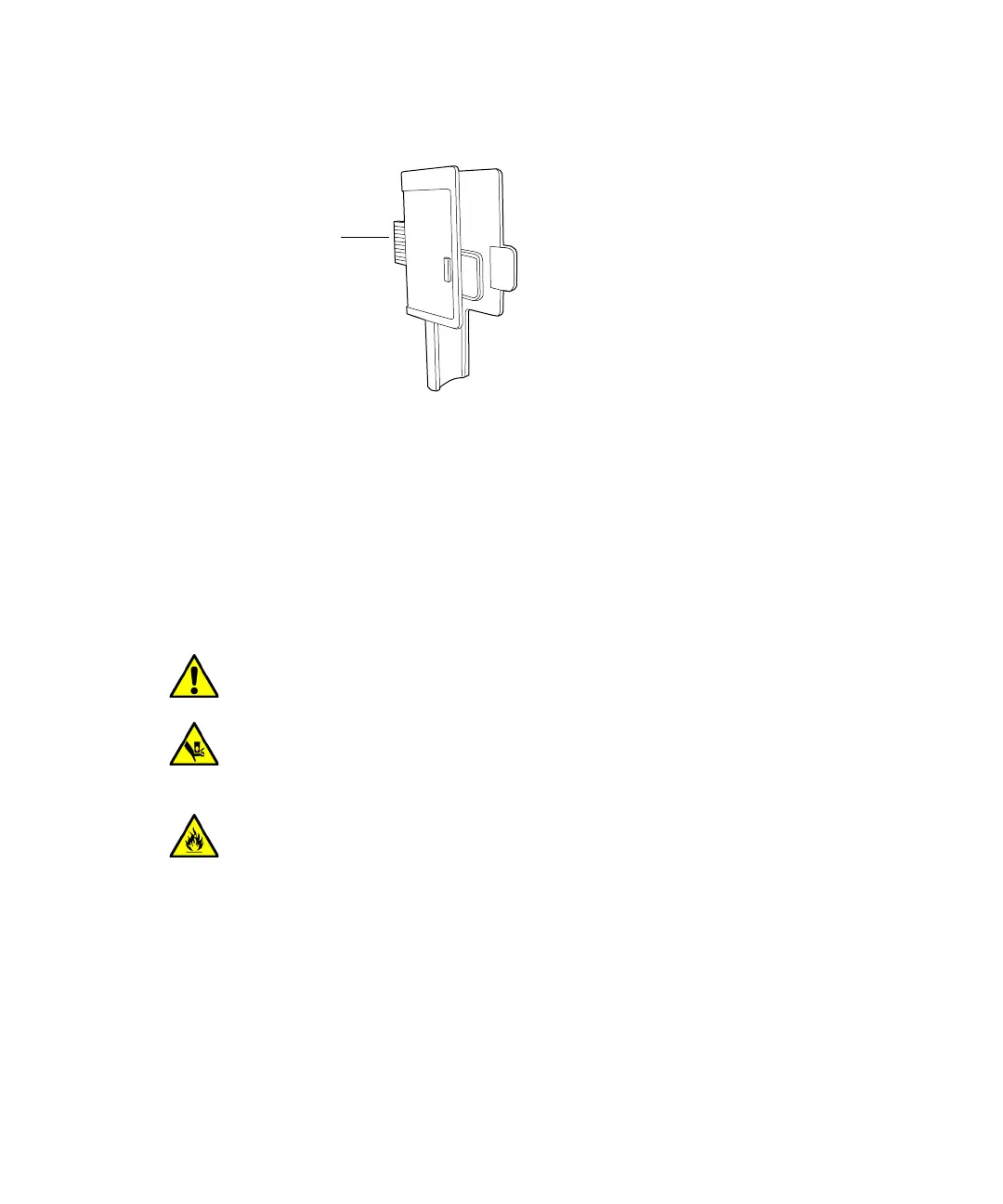
3. Gently press the preheater key assembly into the upper or lower-control
port in the column compartment.
4. Using a needle-nose pliers, install the active preheater retainer, in the
control port where the active preheater will be installed.
5. Insert the active preheater intended for use.
Installing the column manager
If your system includes a column manager, follow the procedure below to
install it.
Plumbing the column manager
Ensure you have the correct tubing kit for your column compartment
configuration (column manager and optional auxiliary column manager
modules).
Connect the column manager tubing, as shown in the diagram below.
When making plumbing connections, follow the guidelines on page 14.
Warning: To avoid back injuries, two or more people must lift the
column manager.
Warning: To avoid crushing your fingers beneath or between modules,
use extreme care when installing the column manager in the system
stack.
Warning: To avoid overheating the column manager, do not block the air
vent on its side.
Insert this end
into control port












 To Next Page