Maintaining the column compartments 123
Required materials
• Gloves: clean, powder-free, chemical-resistant
• Switching-valve cartridge
Required tools
• 1/4-inch open-end wrench
• 2-mm Allen wrench (startup kit)
To replace the column manager switching-valve cartridge:
1. In the ACQUITY UPLC Console, select Column Manager from the
system tree.
2. In the column manager information window, click Interactive Display.
3. In the column manager interactive display dialog box, click Control.
4. Ensure the switching-valve is set to Waste.
Tip: To change the setting to Waste, click System and select Waste.
5. Label the tubing connected to the switching-valve.
6. Pull the valve forward, 1/2 to 3/4 inches, and rotate the lock ring
clockwise until it rests against the lock ring stop.
7. Use the 1/4-inch wrench to remove the fittings attached to the
switching-valve cartridge.
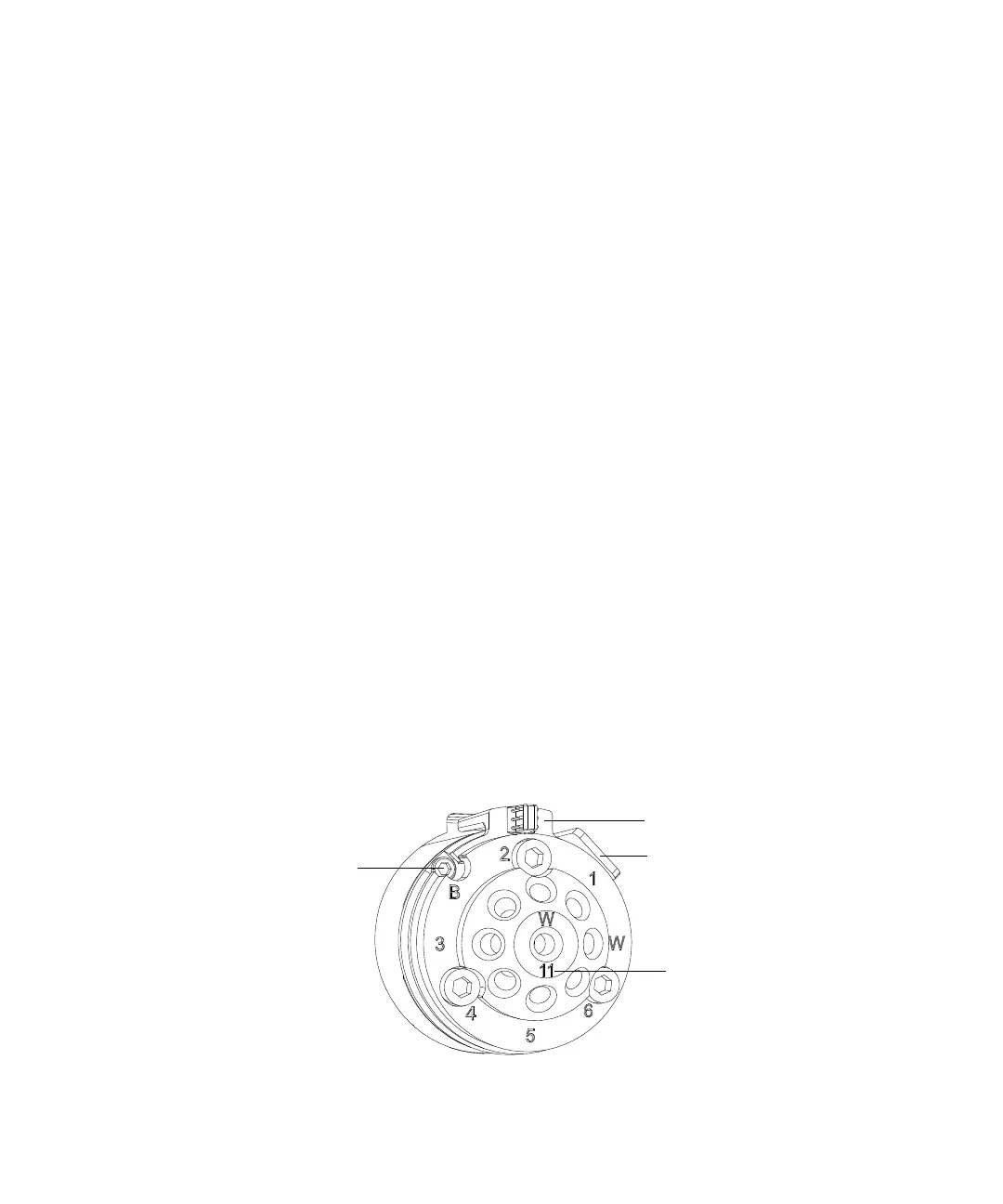
Switching-valve cartridge:
2-mm hex screw
Lock ring stop
Lock ring
Stator ID












 To Next Page