Maintaining the column compartments 137
Requirement: Stop any currently running mobile phase before replacing the
frit in the in-line filter unit.
Required materials
• Gloves: clean, powder-free, chemical-resistant
• Replacement frit
Required tools
5/16-inch open-end wrench (2)
To replace the frit in the in-line filter unit:
1. After allowing sufficient time for cooling, open the column heater,
column manager, or auxiliary column manager door.
2. Remove the column components (column, in-line filter unit, and active
preheater or stabilizer tubing assembly).
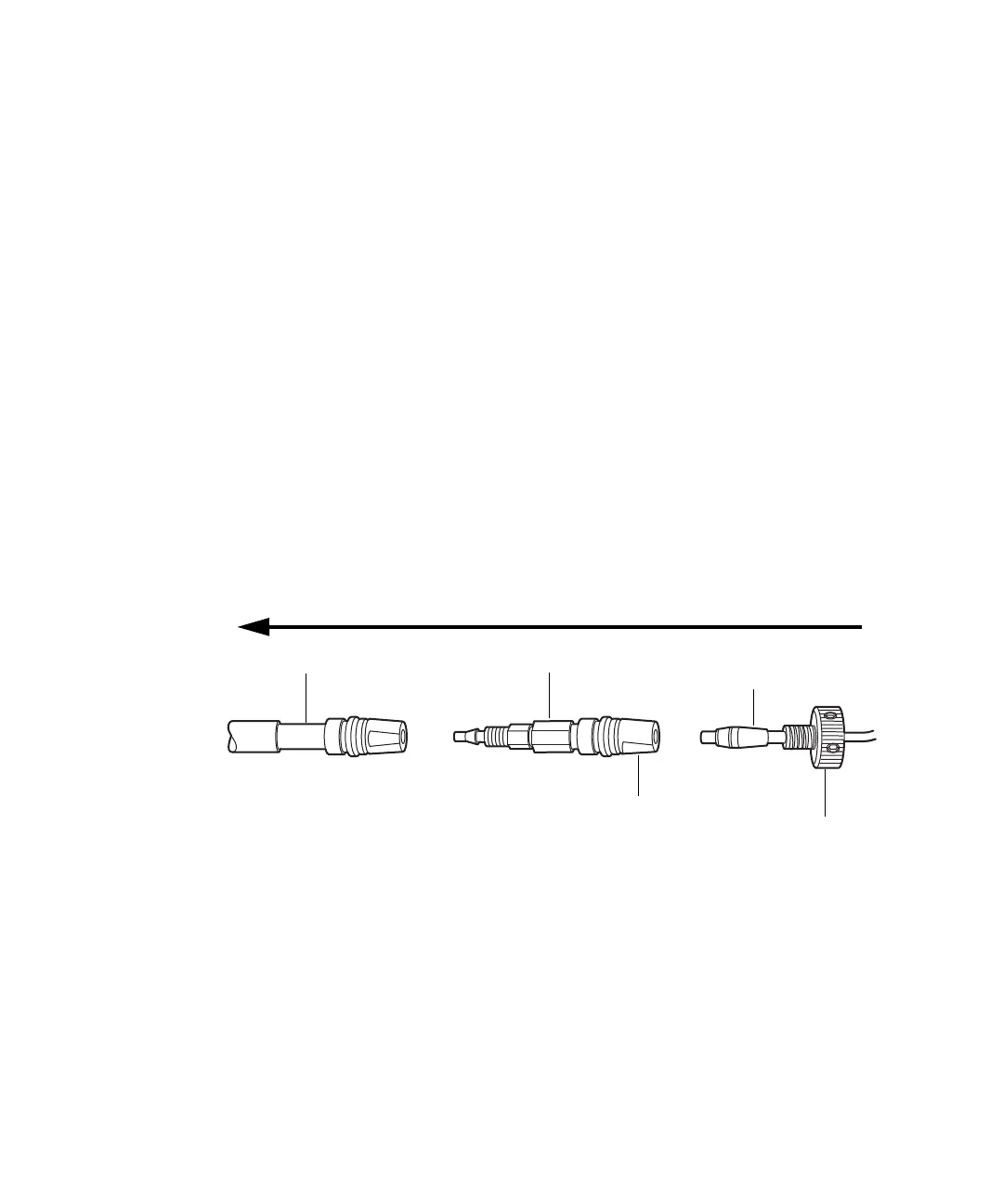
Column components:
3. Detach the active preheater or column stabilizer tubing assembly from
the column in-line filter unit.
Requirement: Do not detach the in-line filter unit from the column inlet.
Flow
In-line filter unit
Column
Active preheater or column
stabilizer tubing assembly
Inlet
Reusable fitting












 To Next Page