To start up the system:
1. From the system view of the console, click Control > Start up system.
Alternative: Right-click in the control panel and click Start up system.
2. On the Prime Solvents tab, click the solvent manager sub-tab and if necessary, change
the value in the Duration of Prime field.
Notes:
• If you are priming with solvents that differ significantly from the current solvents, prime
the solvent manager for minimum of 5 minutes.
• If you are using a concentrated acid and a concentrated base, it is recommended that
the lines are not primed in succession. Instead, to reduce the risk of salt formation,
ensure the pump is flushed or primed with water prior to priming the second buffer.
• If you want to return settings to their original values on any tab, click Set Defaults.
3. On the Prime Solvents tab, click the sample manager sub-tab and if necessary, change
the settings for the wash and purge solvent.
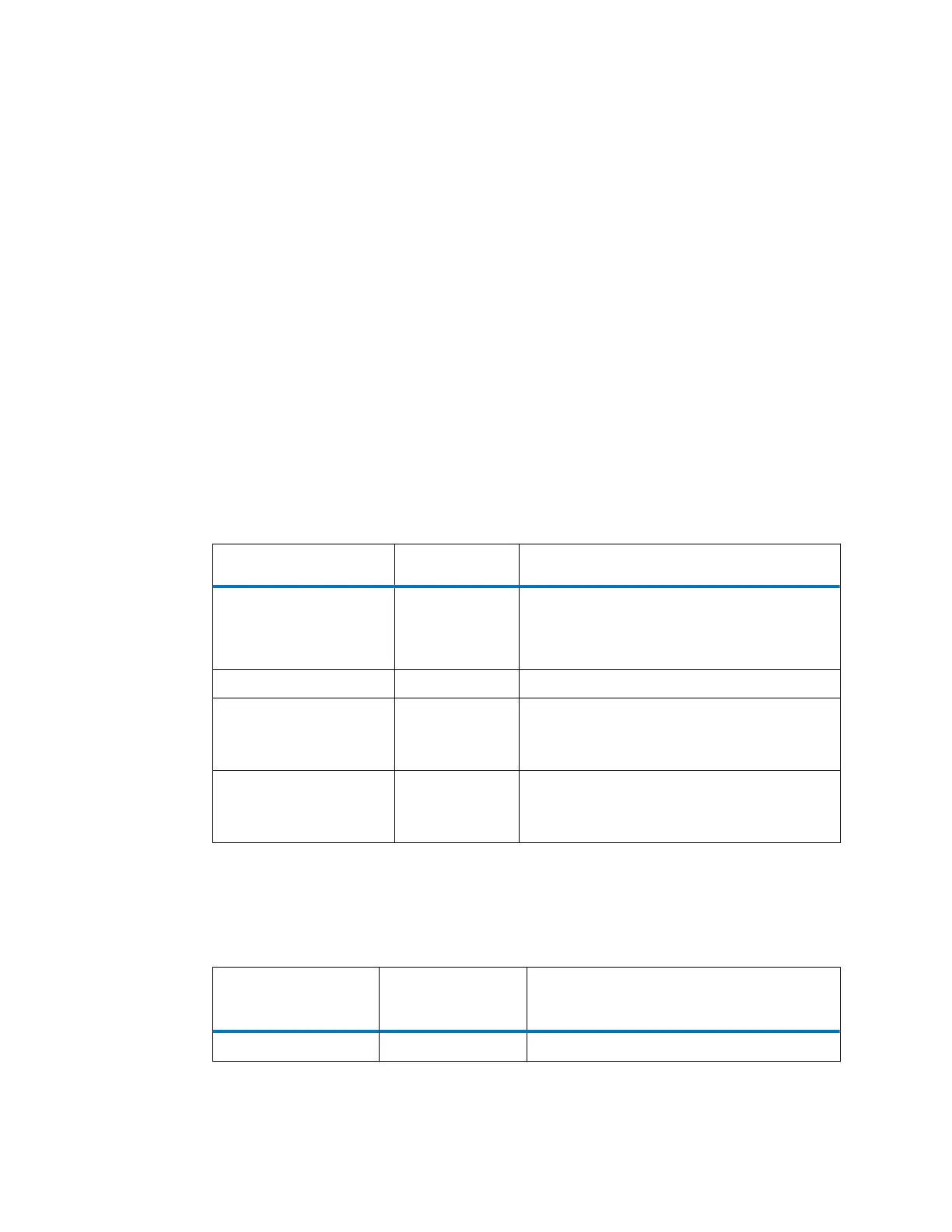
Table 3–12: Sample manager priming parameter values
Parameter Wash solvent Purge solvent
Priming range 1 to 600
seconds
1 to 100 cycles
Note: Each cycle takes approximately 0.5
minutes.
Default priming 15 seconds 5 cycles
Recommended priming:
dry inlet tube
180 seconds 100-µL syringe: 60 cycles
250-µL syringe: 24 cycles
500-µL syringe: 12 cycles
Recommended priming:
changing solvents
180 seconds 100-µL syringe: 50 cycles
250-µL syringe: 20 cycles
500-µL syringe: 10 cycles
4. On the Equilibrate to Method tab, click each module sub-tab and if necessary, change
the settings for the flow rate, solvent composition, temperature, and lamp state to match
your requirements at equilibration.
Table 3–13: Equilibrate to Method table values
System startup
parameters
Default Allowed values
Method initial flow rate 0.500 mL/min 0.1 to 2.0 mL/min
August 8, 2016, 715005049 Rev. C
Page 61











 To Next Page