108 EN MEDUMAT Standard
2
WM 68071 05/2021
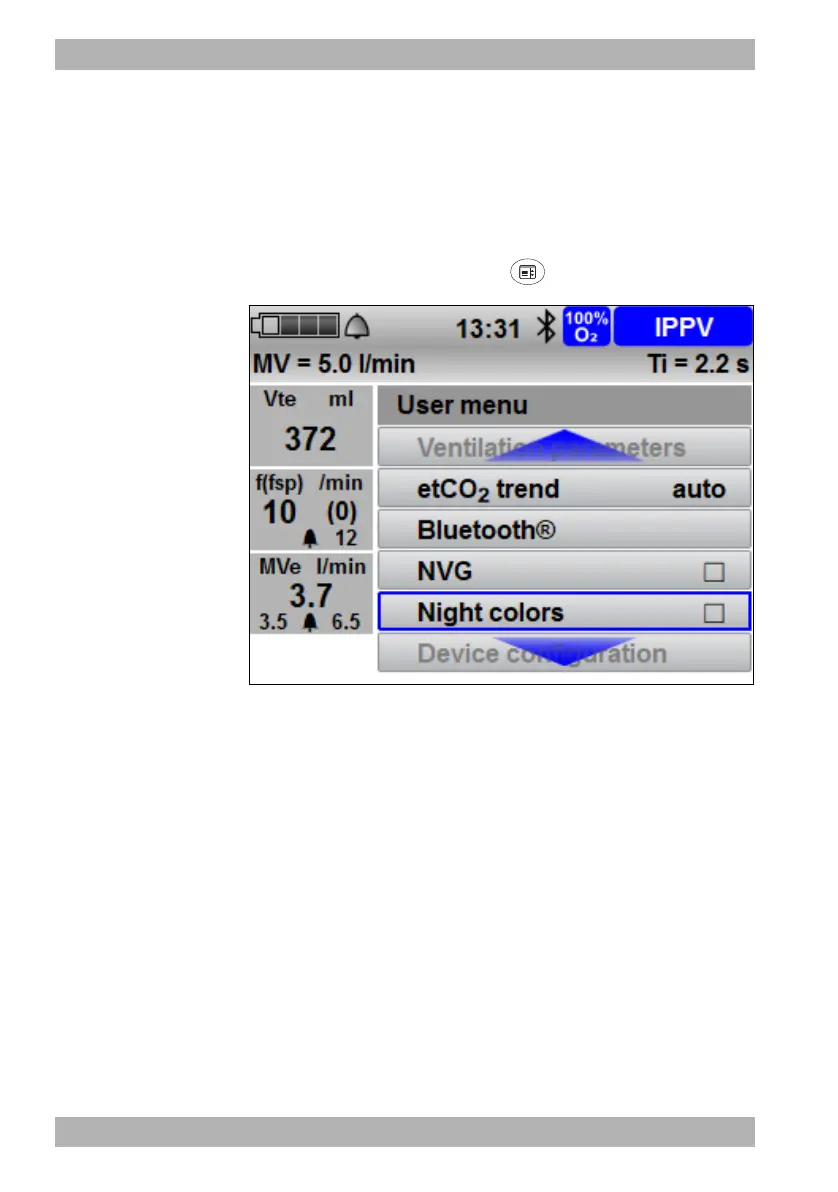
5 User menu
5User menu
5.1 Navigating the user menu
Requirement A ventilation mode is set.
1. Briefly press the menu button .
2. To select a submenu, turn one of the three navigation knobs.
3. To confirm the settings, press one of the three navigation
knobs.
Result You know how to navigate the user menu.










 To Next Page