92
English
– Yellow status indicator 19 gives warn-
ing of a fault. You should then have
the device checked by your author-
ized dealer.
– Red fault indicator 18 indicates a se-
vere fault. The OXYMAT 3 should be
taken out of service.
– Please bear in mind that maximum
concentration levels are not reached
until the device has been in use for
about 10 minutes.
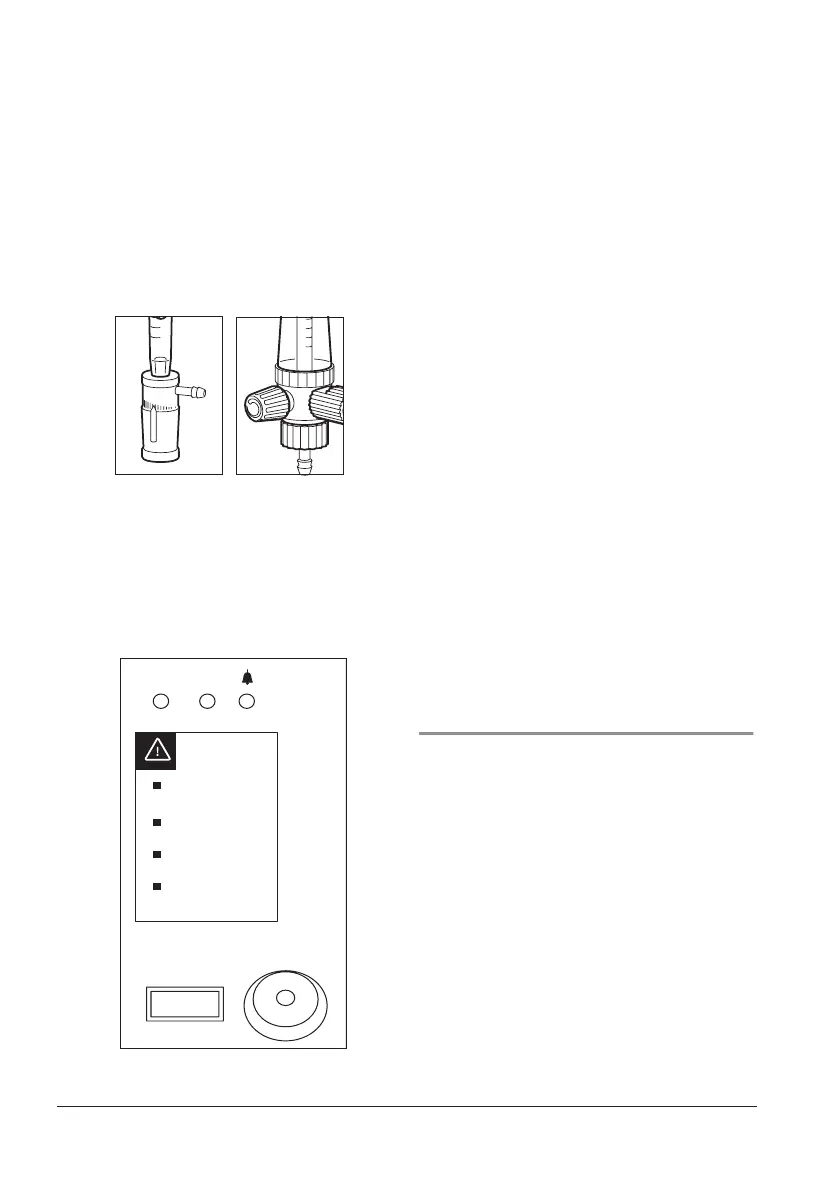
2. Use control knob 24 on dosage unit 21 to
set the flow prescribed by your doctor.
Turn knob 27 on flowmeter 16 to set the
flow.
Read off flow at top of ball 22. The scale
is marked in liters per minute.
3. The OXYMAT 3 is ready to use. You can
now put on the nasal cannula 12.
4. After treatment, switch off the OXYMAT 3
by pressing On/Off knob 2. The flow set-
ting can stay in the selected position.
5.3 Indicators
Indicators on the OXYMAT 3
The operating hours meter 4 allows you to
keep a check on servicing intervals.
• Green power indicator 20:
– always comes on when the
OXYMAT 3 is switched on
– flashes during the self-test after the de-
vice is switched on
,
0
,
5
000000
O
2
O/I










 To Next Page