6.4 Connecting to the network
Installation procedure
Follow the steps below to establish an Internet connection:
1.
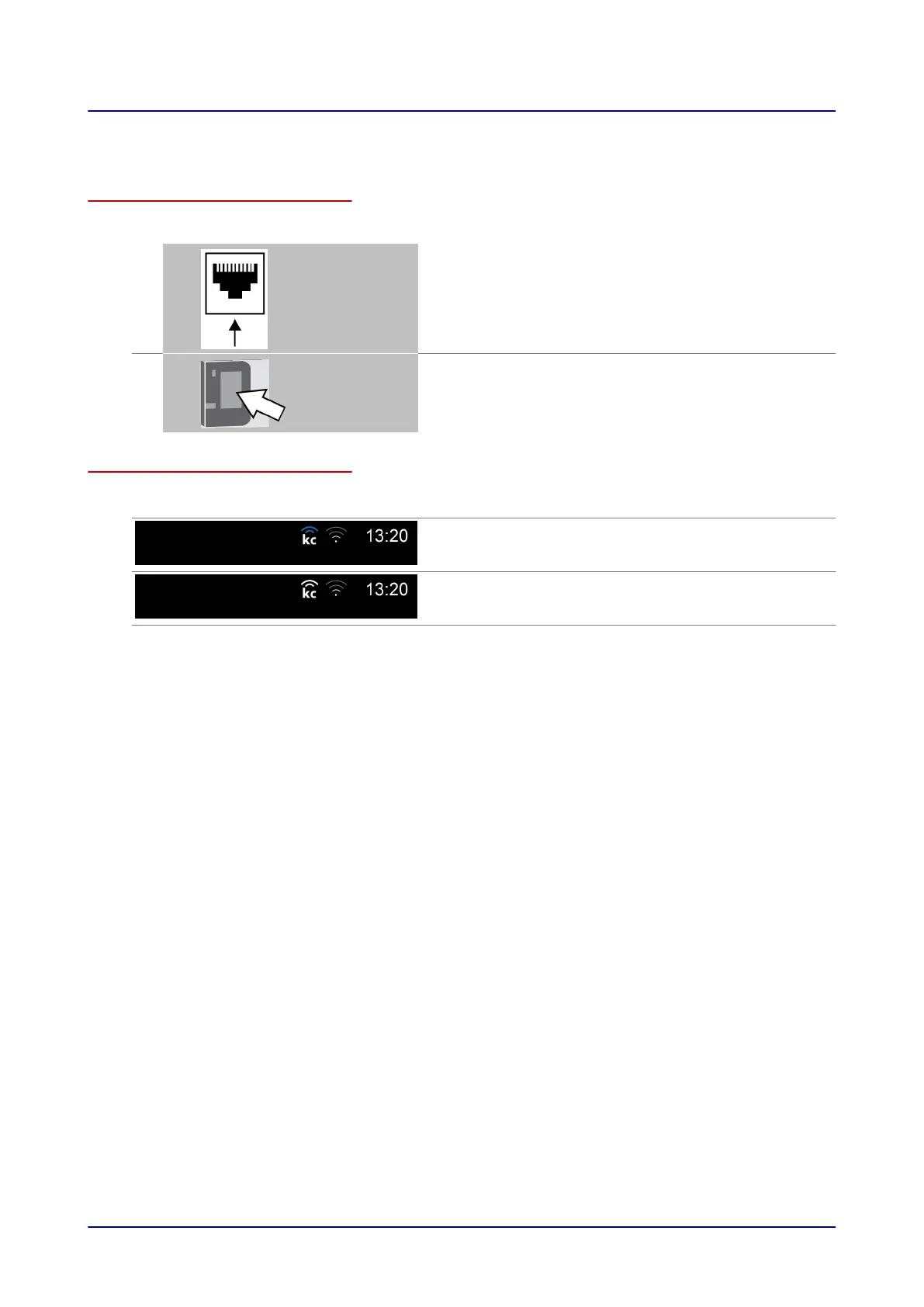
Use a network cable to connect the network socket on the combi oven
to the network socket which the customer has pre-installed and given
clearance for use.
2.
When putting the combi oven into service, check whether the
'KitchenConnect®' Internet icon in the user interface indicates that the
connection is enabled.
Checking the network connection
Display in easyTouch Button Meaning
'KitchenConnect®'
blue
Internet is enabled, installation successful
'KitchenConnect®'
white
Internet is disabled, installation unsuccessful
6 Installation
Installation manual 57













 To Next Page