6 Quick Installation
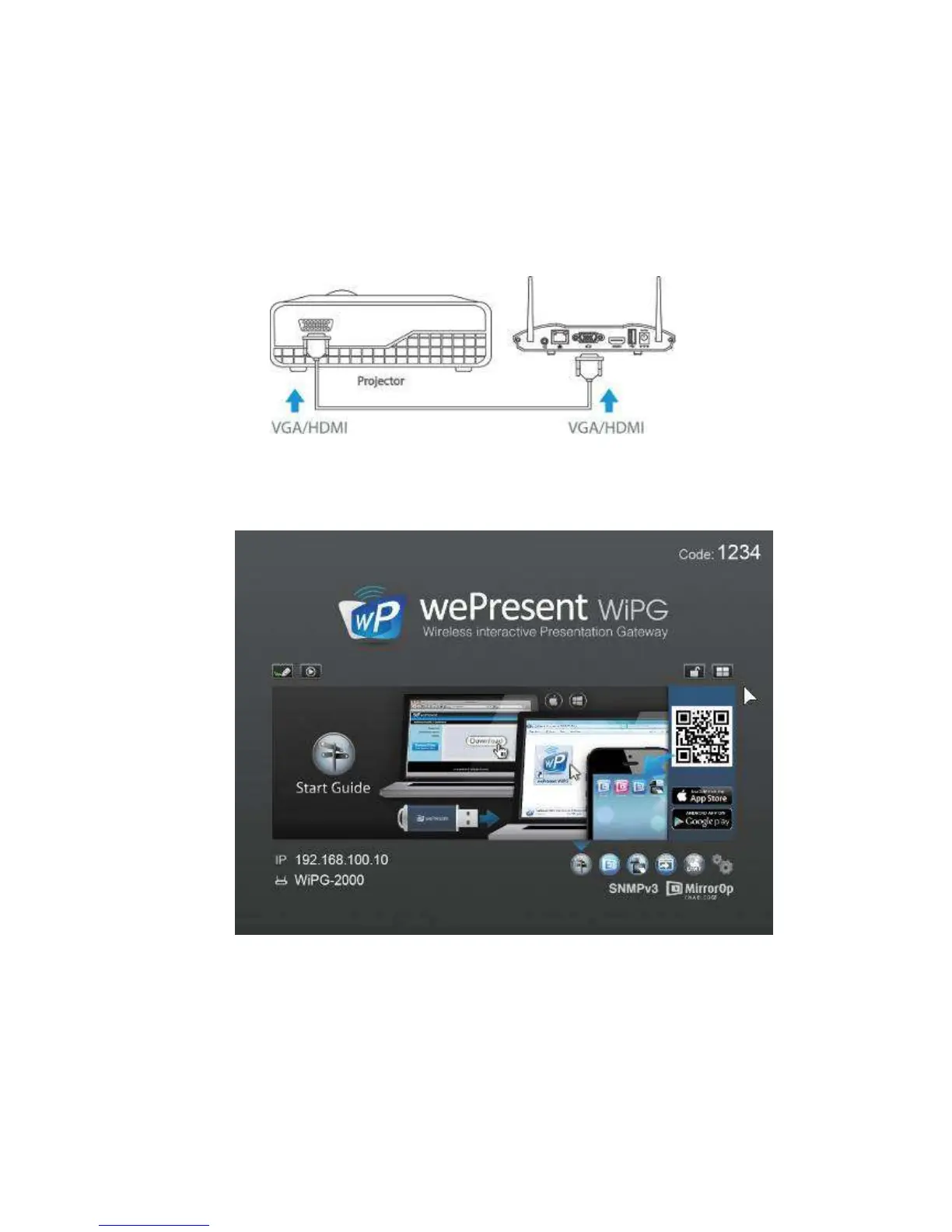
1) Connect wePresent WiPG-2000 device to Projector/display through VGA/HDMI
port and turn on projector/display power.
2) Connect the power adaptor to WiPG-2000 device and press the power button to
turn on WiPG-2000 device. System will be ready when the LED light turns to blue.
z It will show the default standby screen as below when system is ready.
3) Insert the speaker cable to WiPG-2000 audio jack for audio output
4) Insert the USB mouse or keyboard/AirPad or USB touch device to WiPG-2000
front/rear USB port for On-Screen Display (OSD) control. (Optional)



 To Next Page