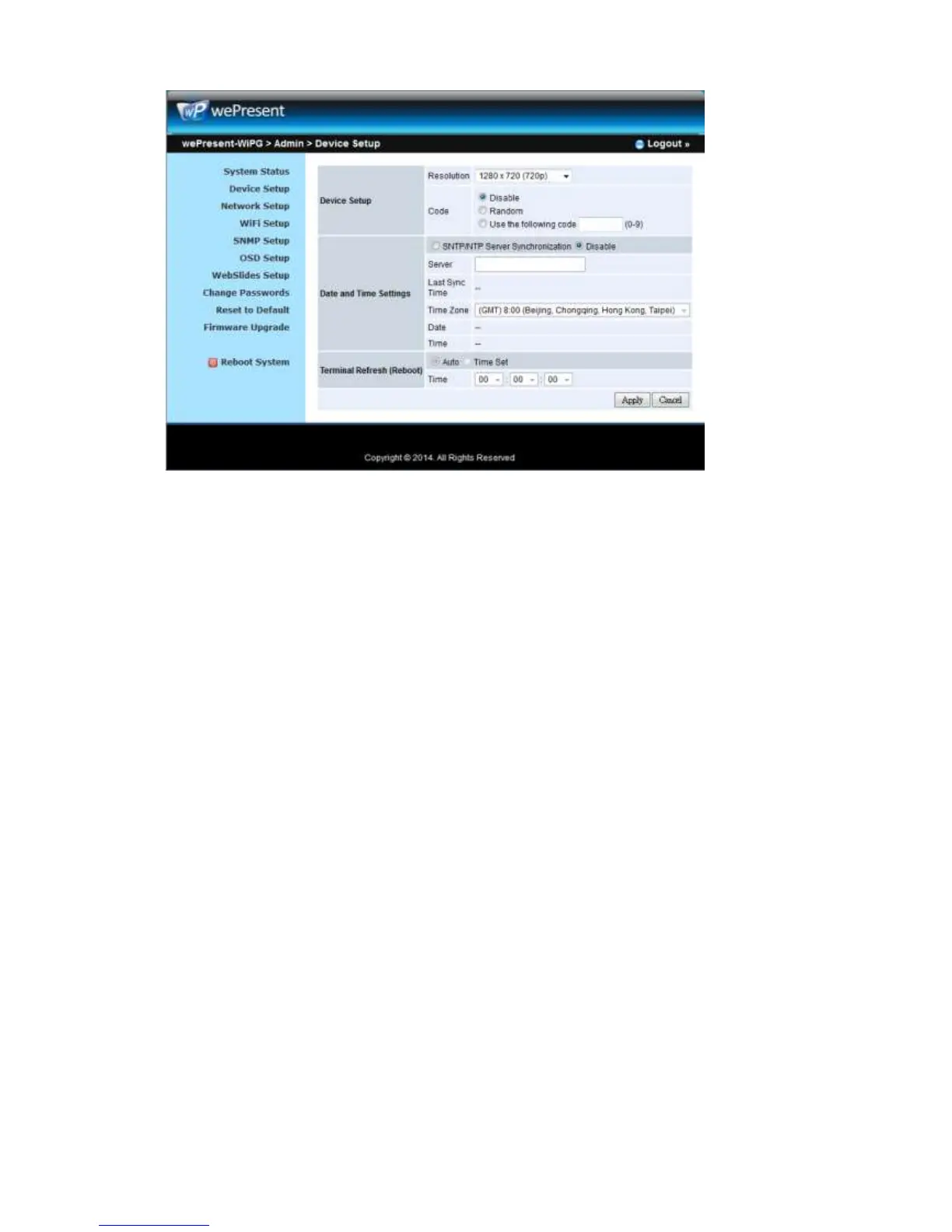
10.7 Network Setup
1) Click on “Network Setup” option, it will show the network setting items,
< Host Name and Domain Name>
z Host Name: Enter the hostname of this device.
Note: You can enable the “use the same name as network name”, it will use
the same name as SSID for the device host name.
z Domain Name: You can also enter the domain name of this device if there is
DNS server available.
< IP Setup>
z You can select “obtain IP address automatically” or “Use the following IP
address” to enter the IP address.
The default setting is as following:
z IP Address: 192.168.100.10.
z Subnet Mask: 255.255.255.0
z Default Gateway: 192.168.100.10
z DNS Server: 192.168.100.10
<DHCP Server Setup>
<Note: Auto-Configuration Network Setup on WiPG-2000>
The default setting of the wePresent WiPG-2000 box as DHCP server. When the
wePresent WiPG-2000 box is connected to a LAN that already has a DHCP server, the
wePresent WiPG-2000 box uses an IP address assigned by the server. When the
wePresent WiPG-2000 box is connected to a LAN that does not have a DHCP server,
the wePresent WiPG-2000 box becomes the DHCP server in the network.



 To Next Page