performance.
8.11.5.4 Resolution Settings
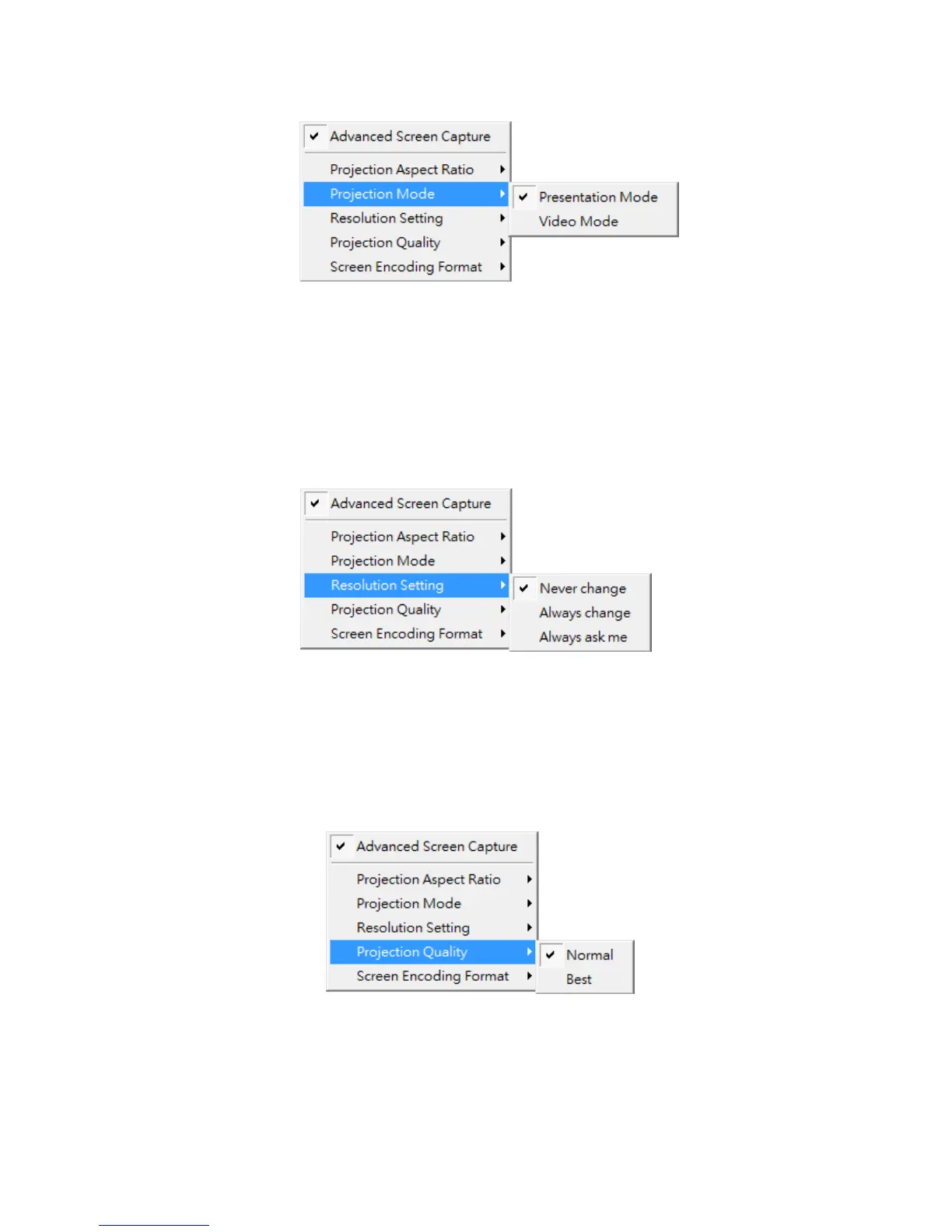
1) Click on “Resolution Setting”, choose “Never Change” to keep original desktop
resolution, “Always Change” to change resolution automatically according to
application’s recommendation, or “Always ask me” to prompt a resolution change
message to user.
8.11.5.5 Projection Quality
1) Click on “Projection Quality”, choose “Normal” for faster projection speed with
lower screen image quality, and “Best” for clear screen image quality but slower
projection speed.
8.11.5.6 Screen Encoding Format
1) Click on “Screen Encoding Format”, choose “JPG” for better image quality but



 To Next Page