2) Click to disable conference control mode, the sender can overtake the
screen freely by pressing the button on the sender application
7.5 Split Screen mode
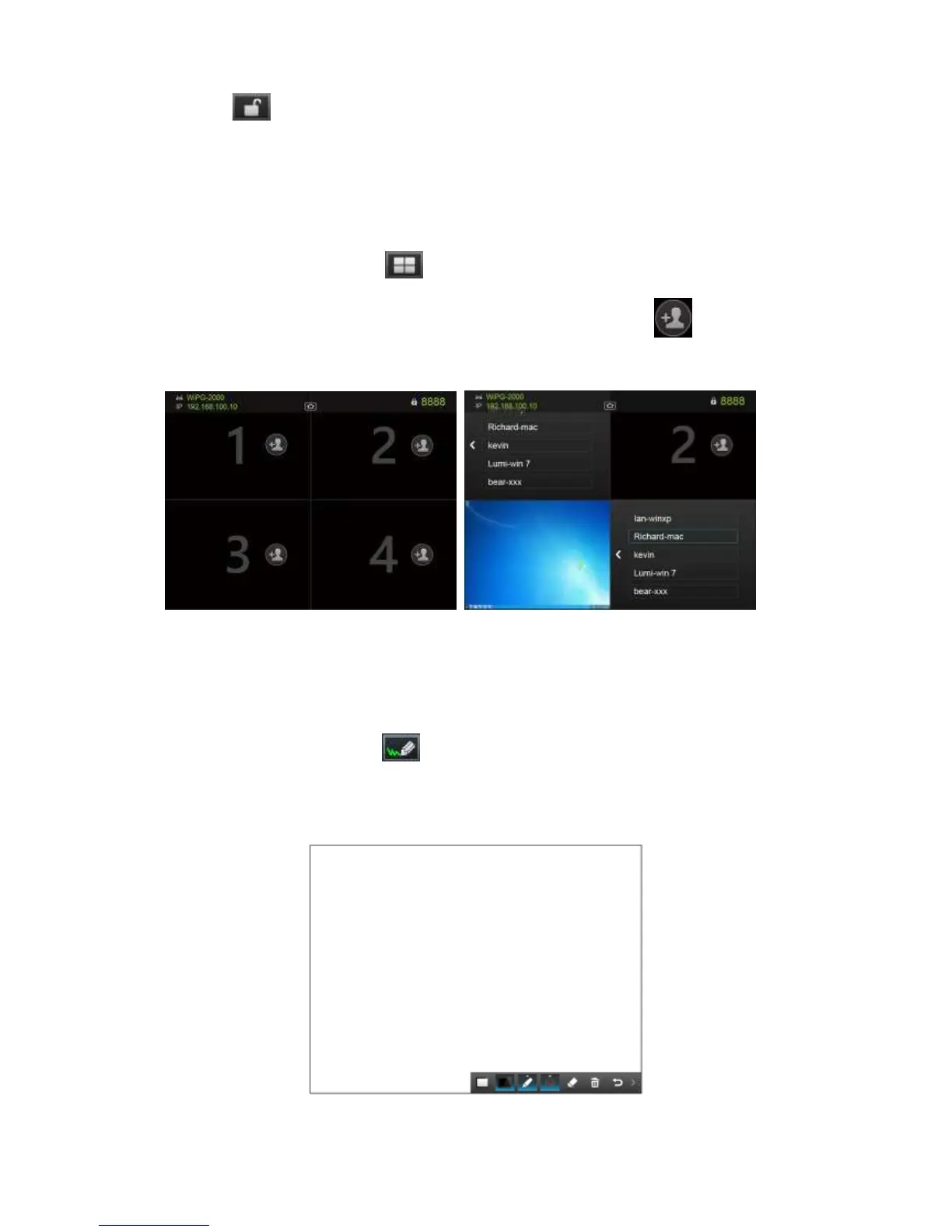
1) Click on the “Split Screen” button on the start page to enter “Split Screen”
page. You can see the connected sender list and press the “add” icon to
choose them to the selected quadrant area.
7.6 Direct Draw
1) Click on the “direct draw” button on the start page to enter “direct draw”
function page. You can make the free drawing on device screen through Mouse,
AirPad, Touch Screen or IWB device.



 To Next Page