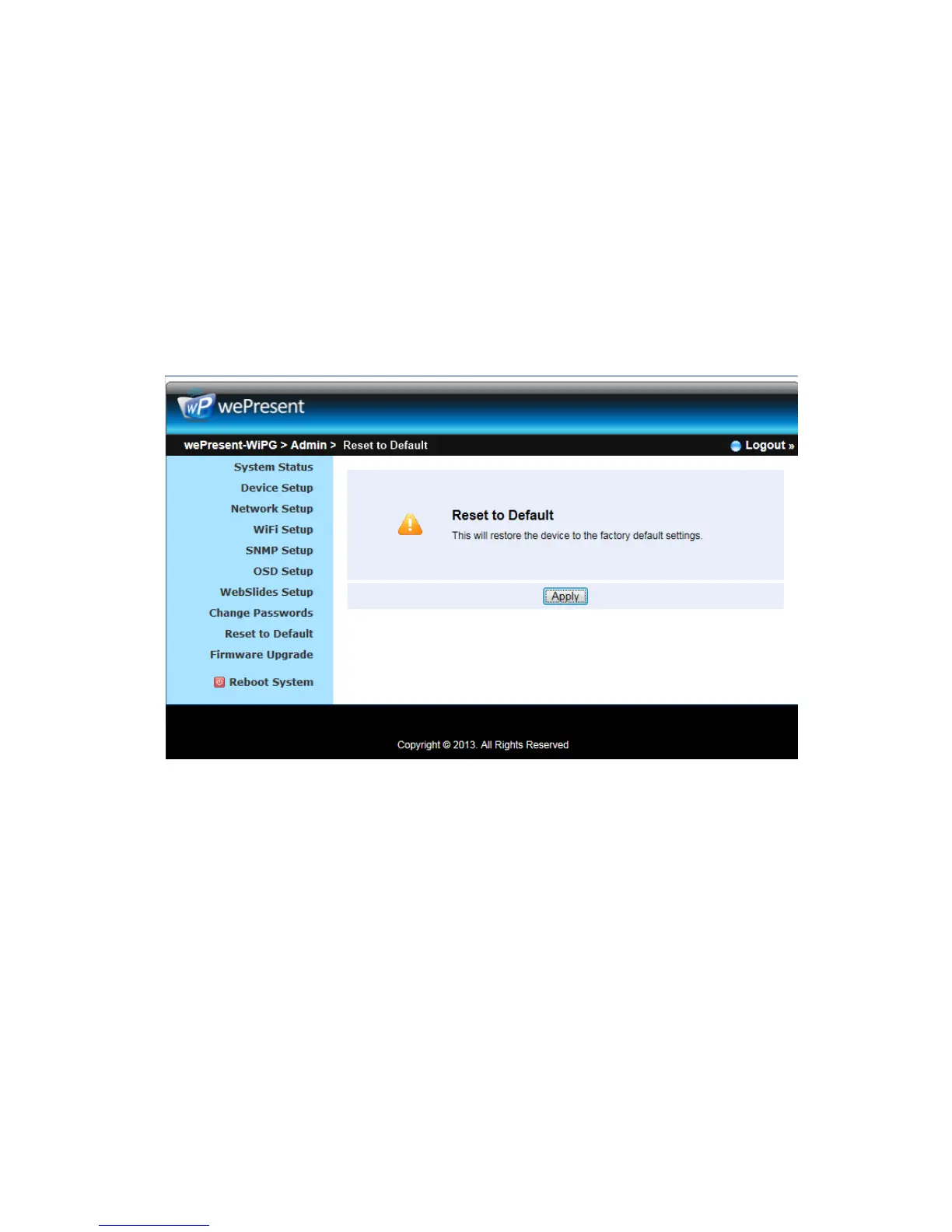
10.13 Reset to Default
1) Click on “Reset to Default” option to restore factory default settings.
<Apply>: Confirm and take action.
*** You can also restore factory default setting from WiPG-2000 box reset button.
You can find the reset button underneath the box. Please follow below procedures.
1. Press [Reset] button and Hold.
2. Turn on wePresent WiPG-2000 box.
3. Press more than 10 seconds and relief [Reset] button.
4. It will take effect to restore factory default settings.
10.14 Firmware Upgrade
1) Click on” Firmware Upgrade” option to “import/export” system configuration and
upgrade firmware.
2) System Configuration Import and Export
Export: Export the system configuration to a configuration file
Import: Import the system configuration file to WiPG-2000
3) You can find the firmware version and release date here.
4) Firmware Upgrade
A. Firstly, you have to get latest firmware image file from your vendor.



 To Next Page