bigger network bandwidth required, and “H264” for smaller data size with
reasonable image quality, and “Auto” that the application will select the encoding
type automatically according to the receiver’s and sender’s setting and status.
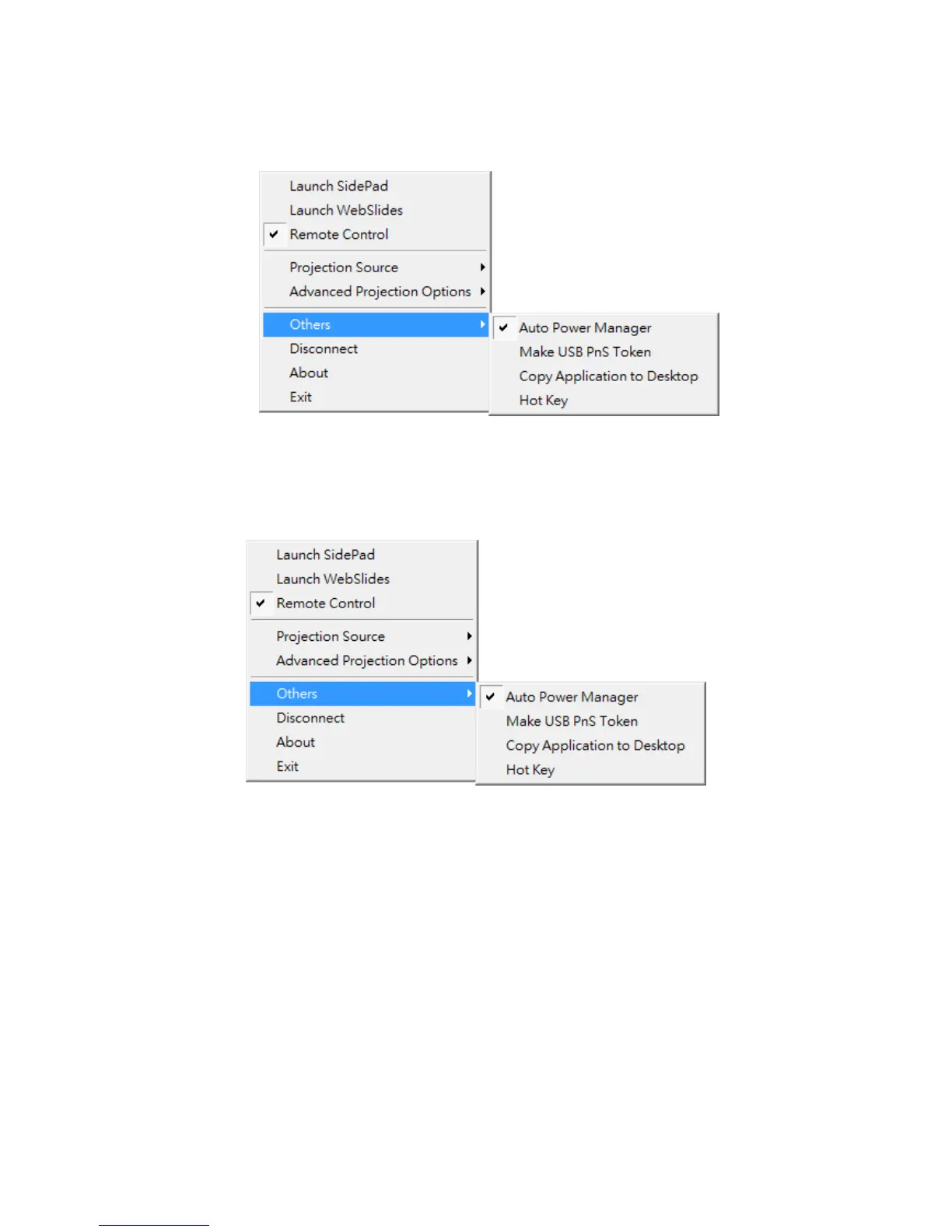
8.11.6 Others
8.11.6.1 Auto Power Manager
1) To make the highest projection performance, application will turn the PC’s windows
power scheme from current settings to “highest performance”, however, you can
click on “Auto Power Manage” to enable or disable this function and restore you
power scheme immediately.



 To Next Page