9.10.2 Launch WebSlides
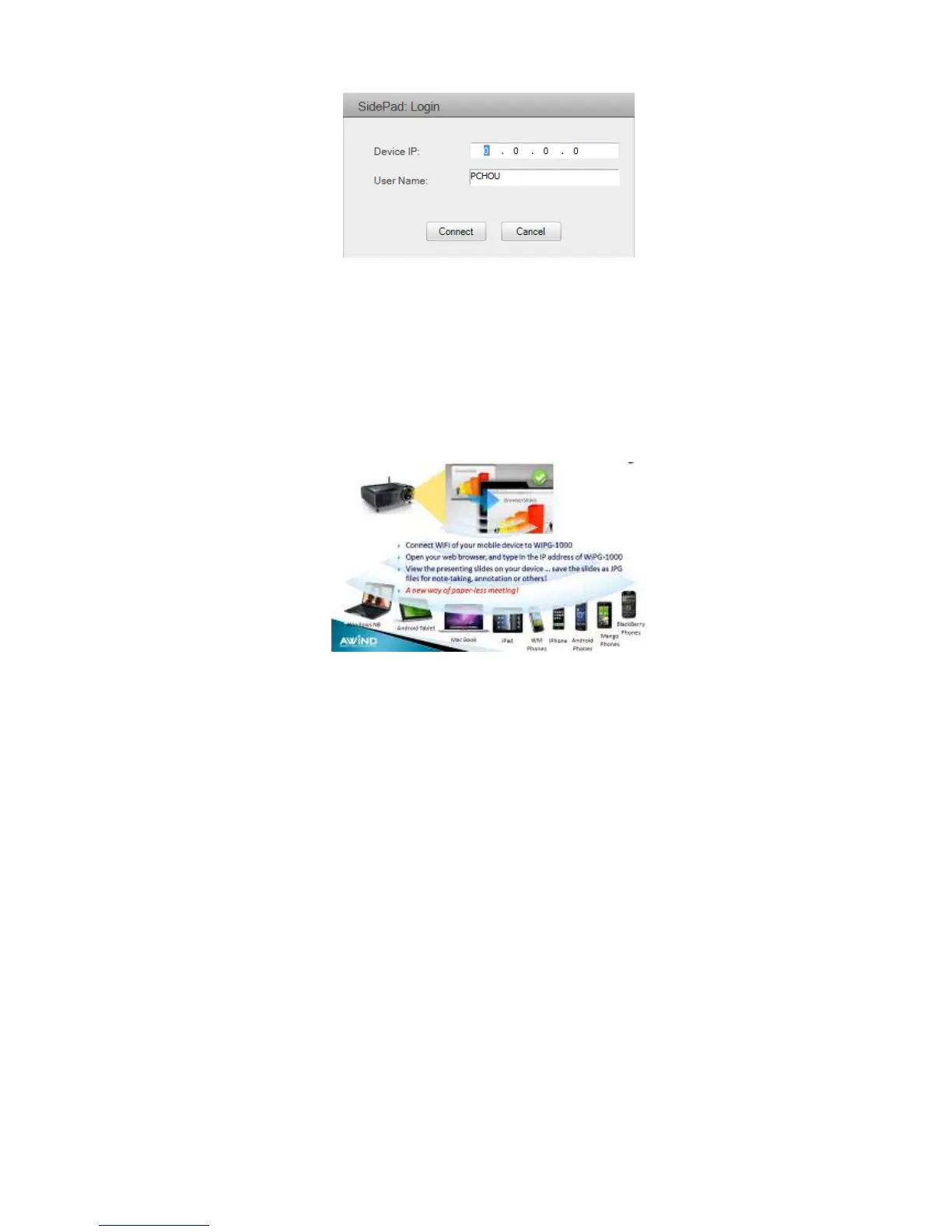
1) Introduction: Webslides is an application to allow the user/presenter to broadcast
the projecting screen/slides to allow multiple login users to receive the slides
during a presentation and save the slides for note taking later.
2) Presenter: Make sure your PC/Mac is connected to WiPG-2000 box and click on
“Launch Webslides”, when the function is on, the item will be checked on the main
menu.
3) Audience: Users need to connect to WiPG-2000 WiFi Network as the presenter and
then launch their browser and enter WiPG-2000 IP address (The information can be
found on the projecting screen) on the URL of browser. Once the users are
connected, they will see the below image on their devices. Click on “Websildes”
button. See below:



 To Next Page