2) If you want to connect to another WiPG-2000 receiver, please press the “Rescan”
button.
8.4 Connect to Receiver Device
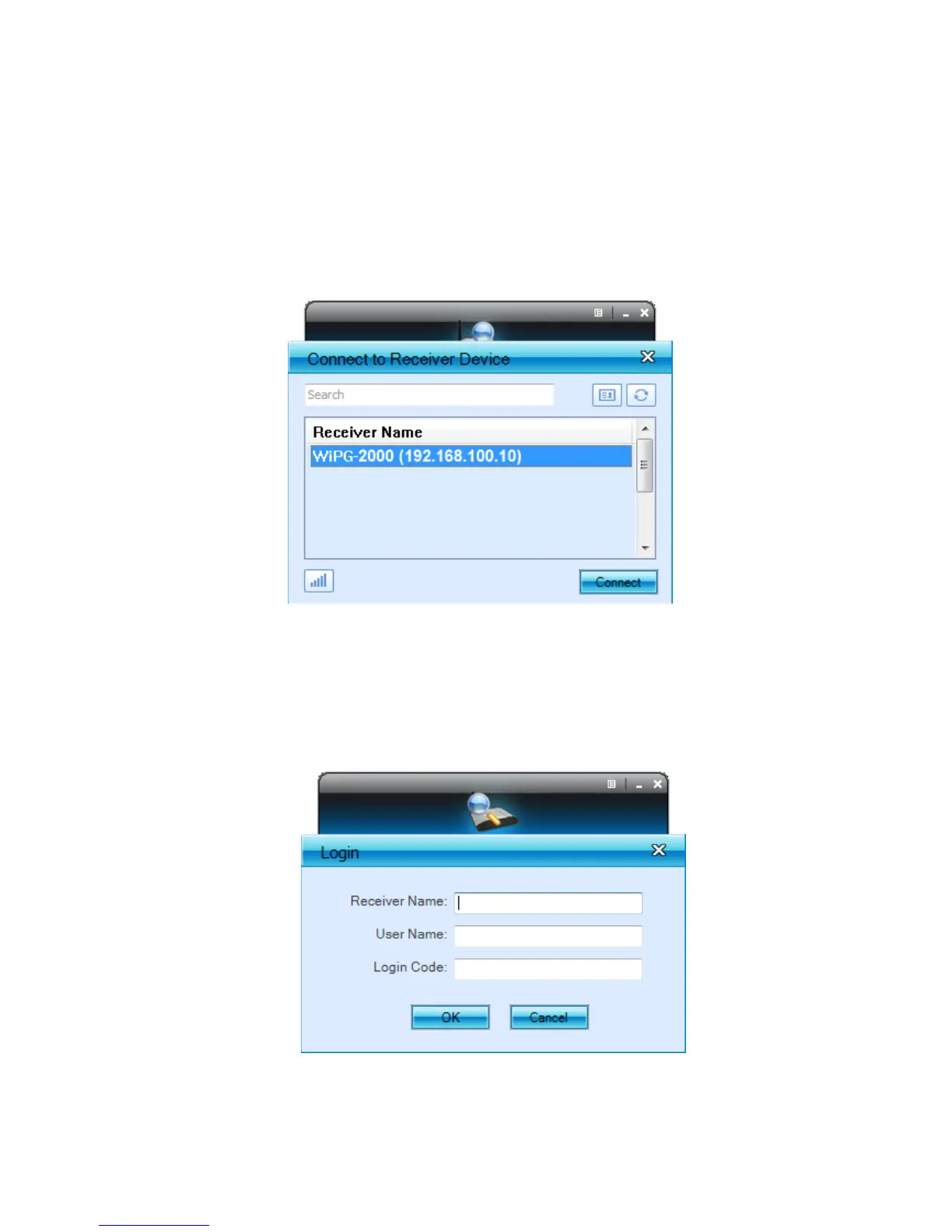
1) WiPG-2000 application will search and list the WiPG-2000 receiver Device. You can
select the target receiver device and press “Connect” button to connect the
selected receiver device.
2) You can press the “Refresh” button to search again.
3) If you can’t find the target receiver device from the list, you can press the “Manual”
button to enter the receiver IP address manually and connect.
4) If you want to change to another WiFi network, you can press the “WiFi” button to
list the available WiFi network.



 To Next Page