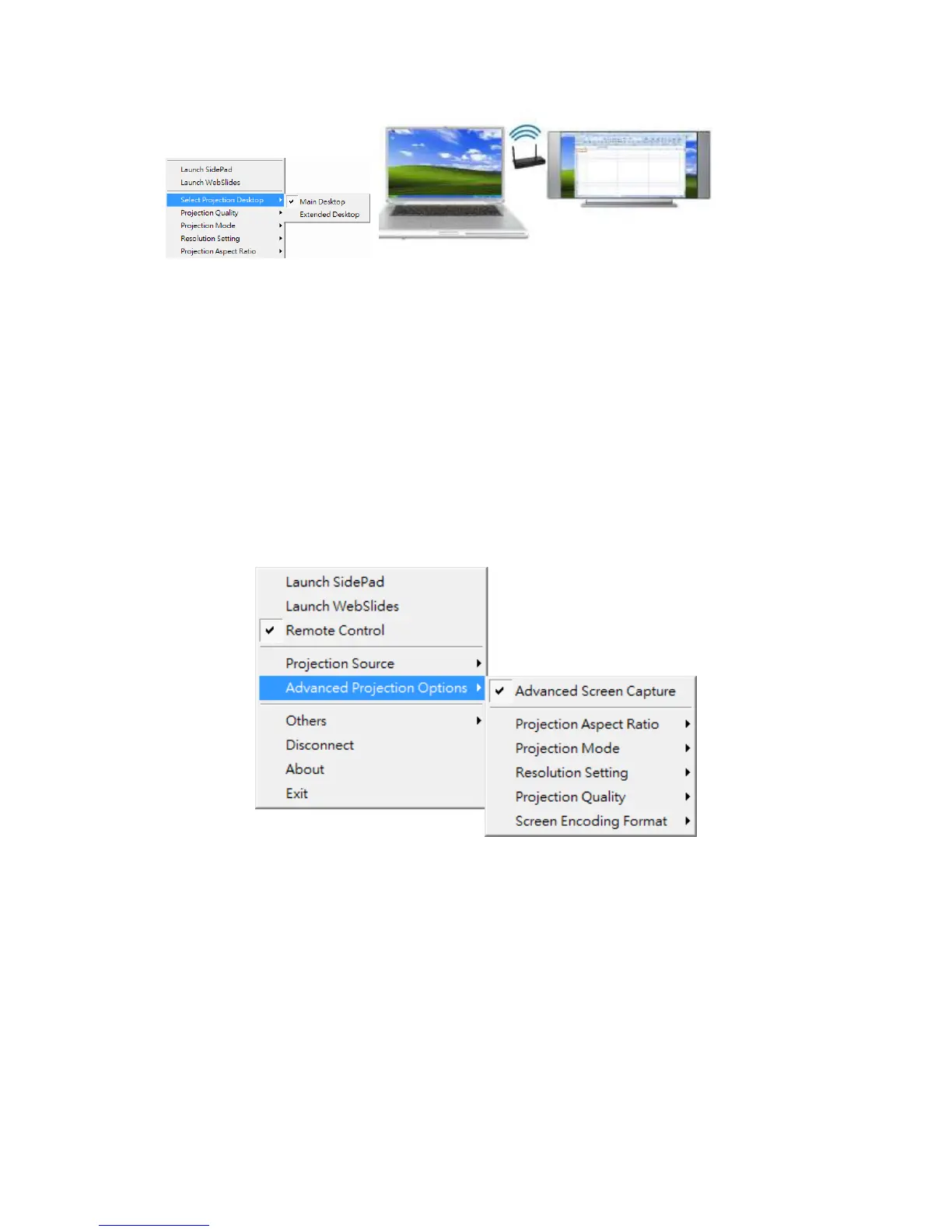
Note:
1. For Windows XP system, you need to install “VDD.exe” driver first, you can
find it from USB token.
2. For Windows 7/Vista Starter edition, it can’t support extended screen.
3. For some Win7/Win8 laptop/tablet, the extended screen feature is not supported
if the display card can’t support the extended screen function. This typically can
be verified by checking whether it can enable the extended screen through
physical VGA cable, if yes, then it should work with wePresent software.
8.11.5 Advanced Projection Option
8.11.5.1 Advanced Screen Capture
1) Click on “Advanced Screen Capture”, you will be able to see tip windows and other
layered windows (include the main UI) on the connected display.
However, the mouse cursor may blink from time to time when you are projecting
your PC screen!
z Disable “Advanced Screen Capture”.



 To Next Page