7 WiPG-2000 Start/Standby Page
7.1 Quick Guide / User-List
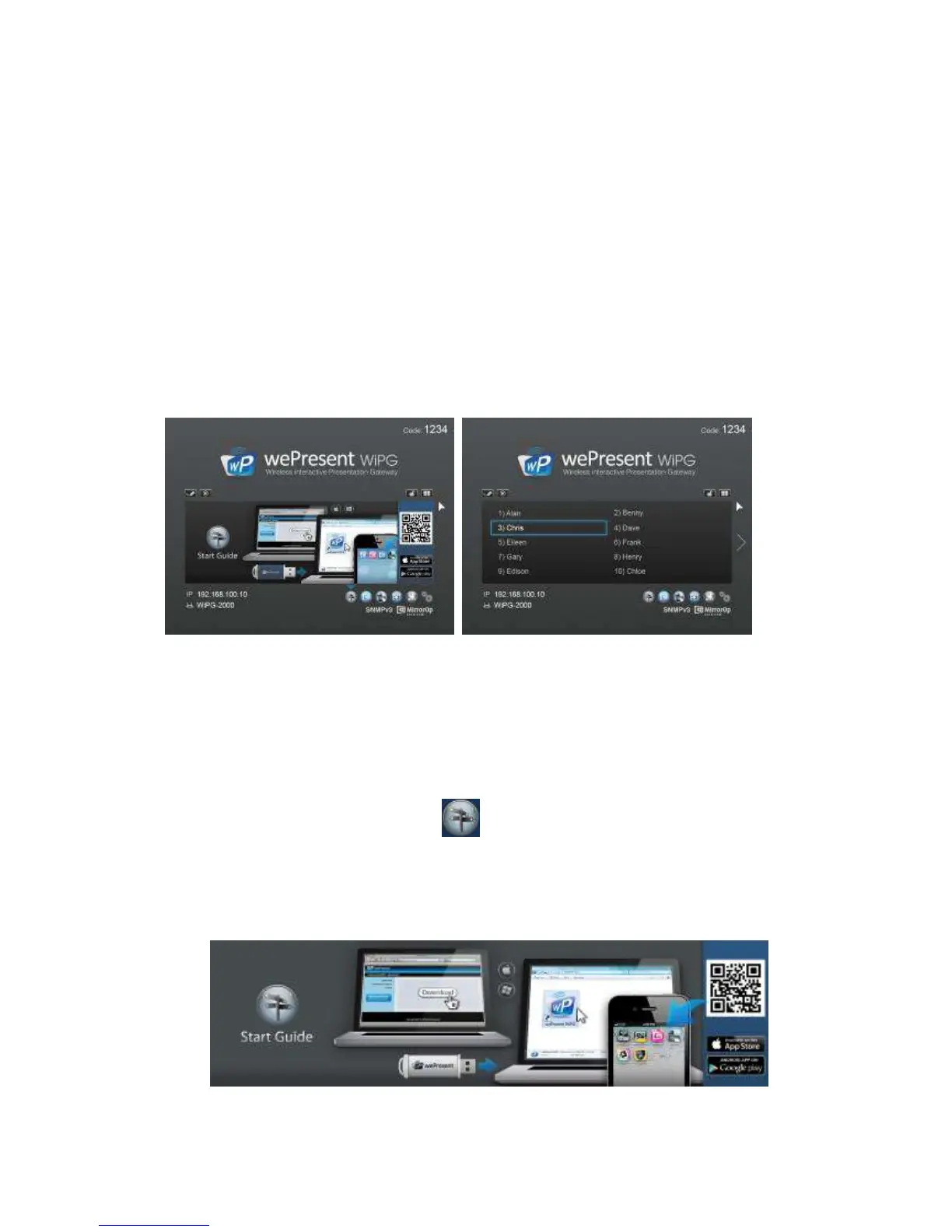
The device will show the quick guide on the screen when there is no user connected.
When there is any new user connected to WiPG-2000, the user name will be show on
the user-list area. WiPG-2000 allows multiple user connection. See below image for
detail.
7.2 Feature Icons
1) You can also click on the feature Icons on the right hand bottom to view the Quick
Guide for each highlight feature.
(1)Quick Guide: Click on Quick icon , it describes that WiPG-2000 can support
Windows, Mac and Mobile devices. If your Smartphone has QR code scan App, you
can scan the QR code image on the screen with your Smartphone which will lead
you to the corresponding place to download all the available Apps.



 To Next Page