MPEG-1 / MPEG-2 / MPEG-2 TS / MPEG-4* /
WMV9** / QuickTime / Motion JPEG
* Microsoft MPEG-4 v1-3 is not supported.
** Only WMV3/WVC1 is supported.
* All formats support up to 1920x1080, 30fps, and 20Mbps.
* These file formats might include video and audio codecs which are not supported.
9.10 Menu
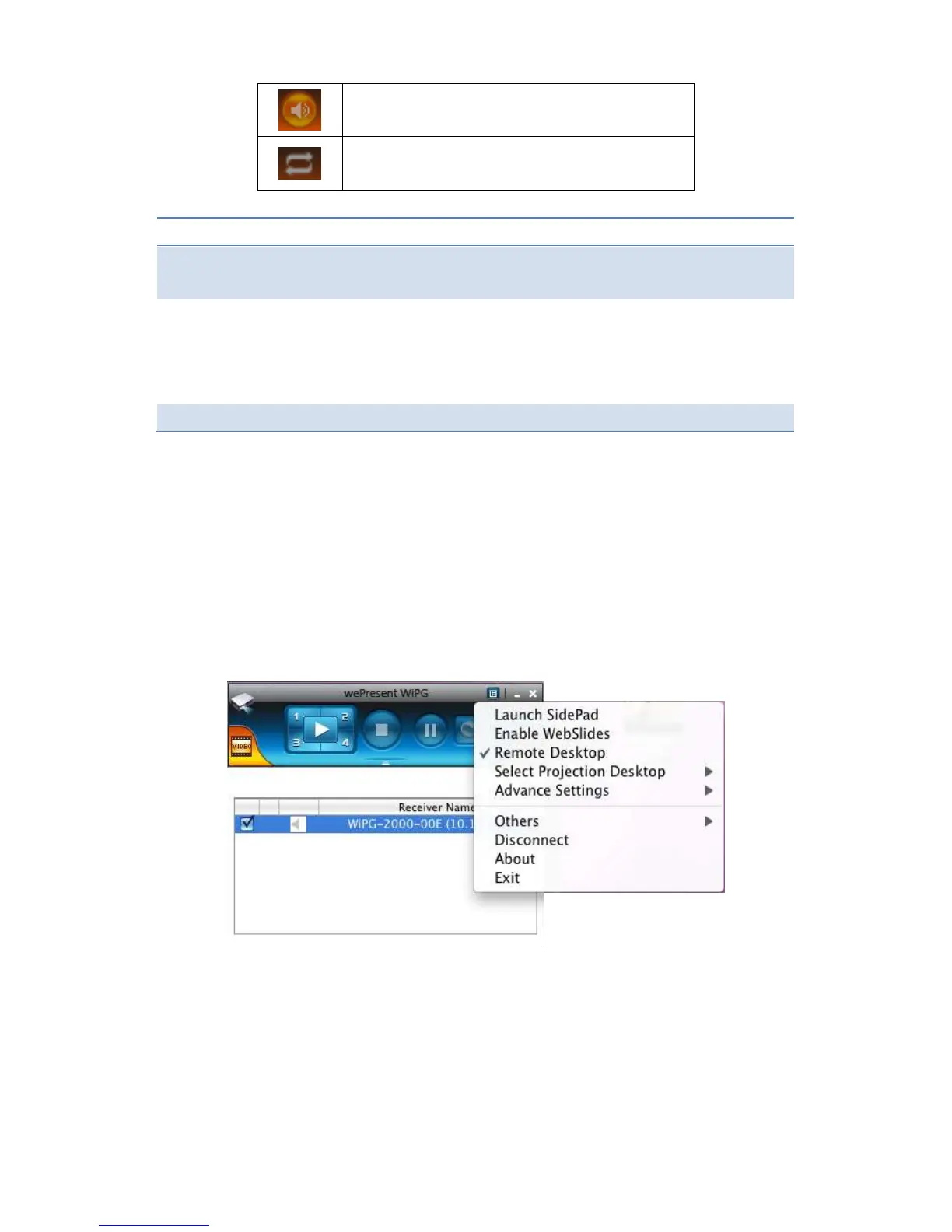
1) Press “Menu” button from the main UI, you will find the menu to enable the
additional feature or to change the application options.
9.10.1 Launch SidePad
1) Introduction: SidePad is an application to allow the user to connect
Pad/Smartphone (Android and iOS), PC, and display/projector via WiPG-2000
device. User can then control the projecting PC via Pad/Smartphone. Please refer



 To Next Page