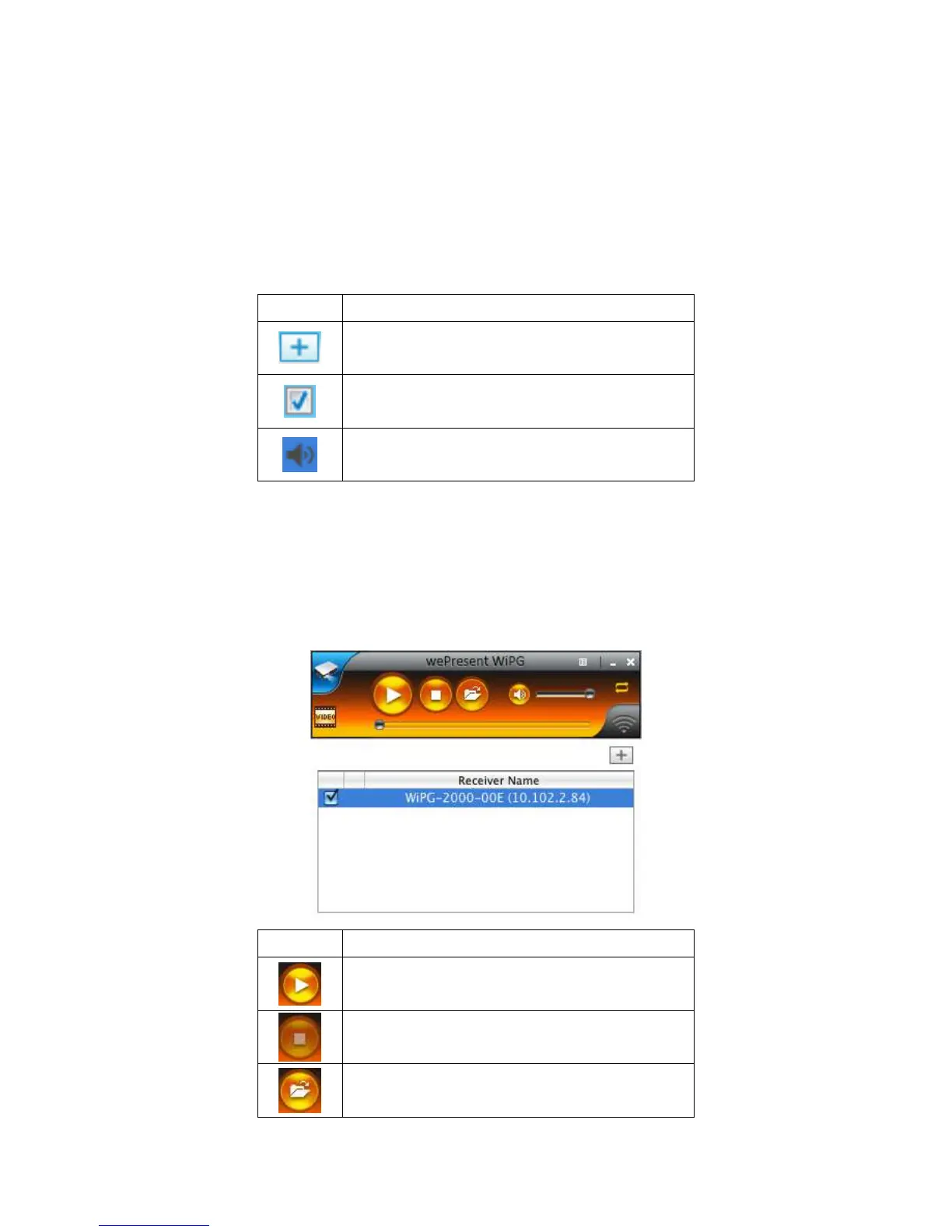
9.8 Connected Receiver list
Press on the “arrow” button to expand the connected receiver list, and press the “add”
button to add another receiver. During standby status, you can press the “check”
button to select the multiple receivers (up to 4) to mirror your screen, and press
“radio” button to select one of the receiver to send the audio.
Select the receiver to project your screen and
stream the video. (up to 4)
Select the receiver to send audio.
(One of them)
9.9 Video Streaming
Click the “Open File” button to select the video/music files for the streaming. Click the
“Pause” or “Stop” button, you can pause or stop the streaming, and click the “Volume”
button to mute, adjust the volume level.
Open the Video/Music File.



 To Next Page