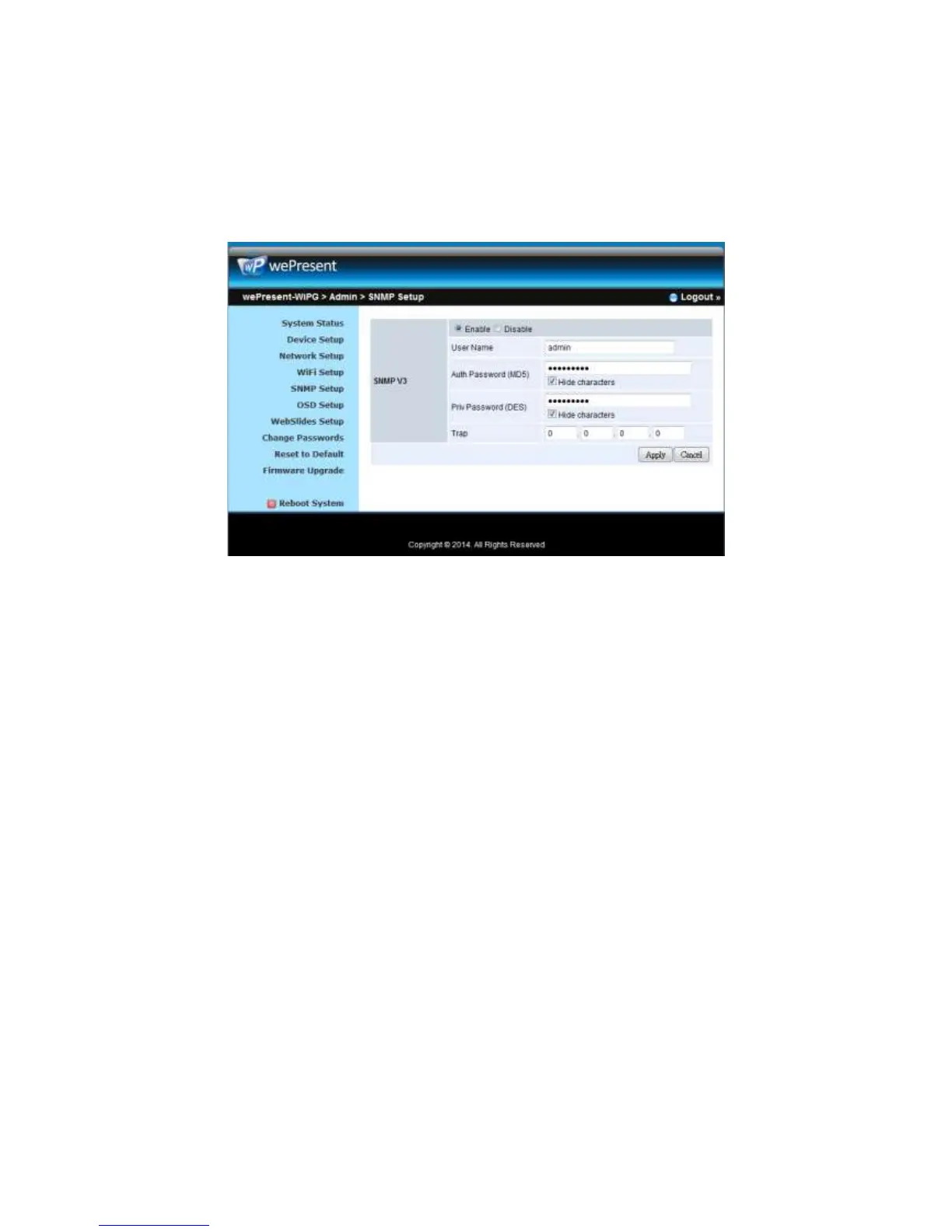
<Cancel>: Press button to abort action.
Note:
For more information about SNMP V3, you can find it on USB token. \User
Manual\WiPG-2000_SNMP Instructions.pdf
10.10 OSD Setup
1) Click on “OSD Setup” option, you can:
Change Standby Image
z <Reset to default>: Restore to default Logo image.
z <Image File Upload>: Enter or browse the file name and upload the
customized Image. Please refer to remark on screen when select the file.
You can also adjust the following “Display Option”
z Device Information: Show or Hide the device Info.
z User List: Show or hide the User List.
z Connection Info: Show or hide the overlay connection info.
z Font Size: Adjust the Font size of system information.
z Screen Saver Settings: Enable or disable the screen saver and also
configure the idle time(Minutes). (default is 5 mins)
<Apply >: Press “Apply” button after configuration, and follow the reboot instruction
when applicable.
<Cancel>: Press button to abort action.



 To Next Page