10 Web Management
10.1 Home Page
1) Make sure your PC connect to wePresent WiPG-2000 box successfully.
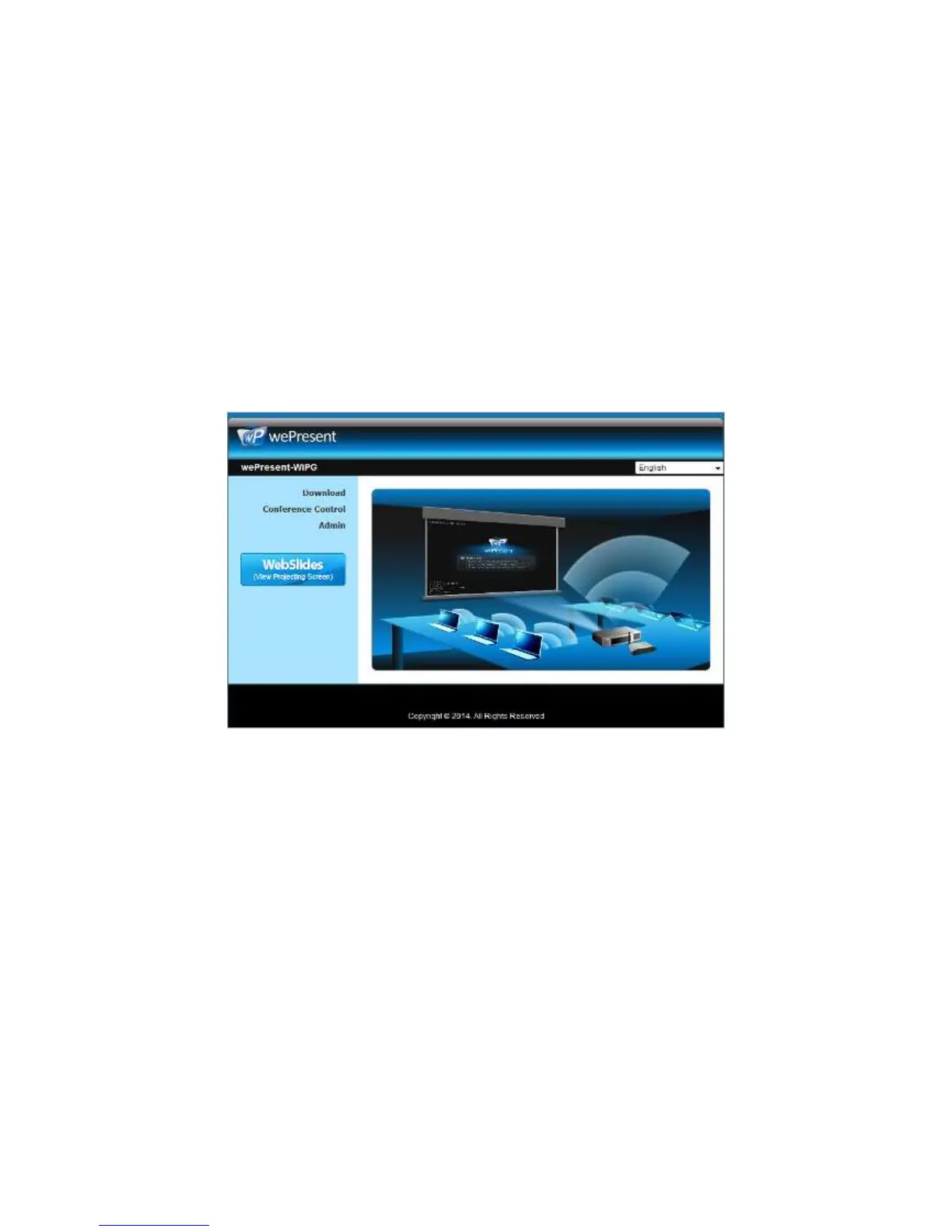
2) Enter the receiver IP address on your browser; you can find the IP address on the
projector/display screen. (Default IP is 192.168.100.10).
3) Your browser will lead you to the below page.
10.2 Download
1) Select “Download” function.
2) Please select the “Win 8 / 7 / Windows Vista / XP” or “Mac Utility” and execute the
installation program.
Note: Please disable the “Smart Screen Filter” on IE browser; otherwise you
might not able to download the file.



 To Next Page