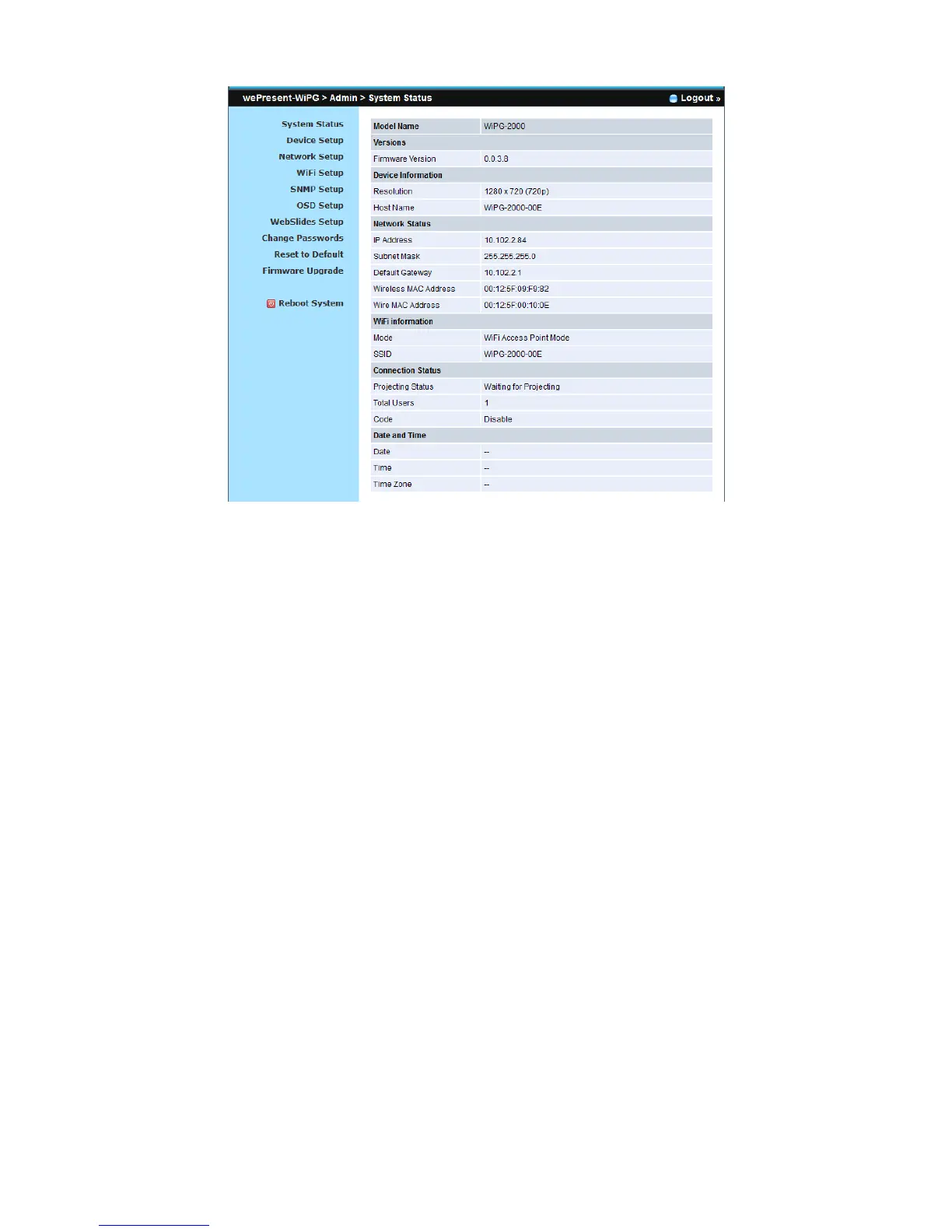
10.6 Device Setup
1) Click on “Device Setup” option, it will show the device setting items,
z Choose <VGA> or <HDMI> output option
z <Resolution>:
VGA: UXGA(1600*1500), WXGA+(1440*900), WXGA(1360*768, 1280x768,
1280x800) ,XGA(1024*768), and SVGA(800*600). The default value is
XGA(1024*768).
HDMI: 720p, 1080i, 1080p
z <Code>: You can select “Disable”, “Random”, or “Use the following code” to
set a specified 4-characters Number.
2) Click on “Date and Time Settings” option, it will show the time setting items,
z Choose <SNTP/NTP Server Synchronization> or <Disable> to specify the
time server or disable this feature.
z <Time Zone>: Specify the time zone.



 To Next Page