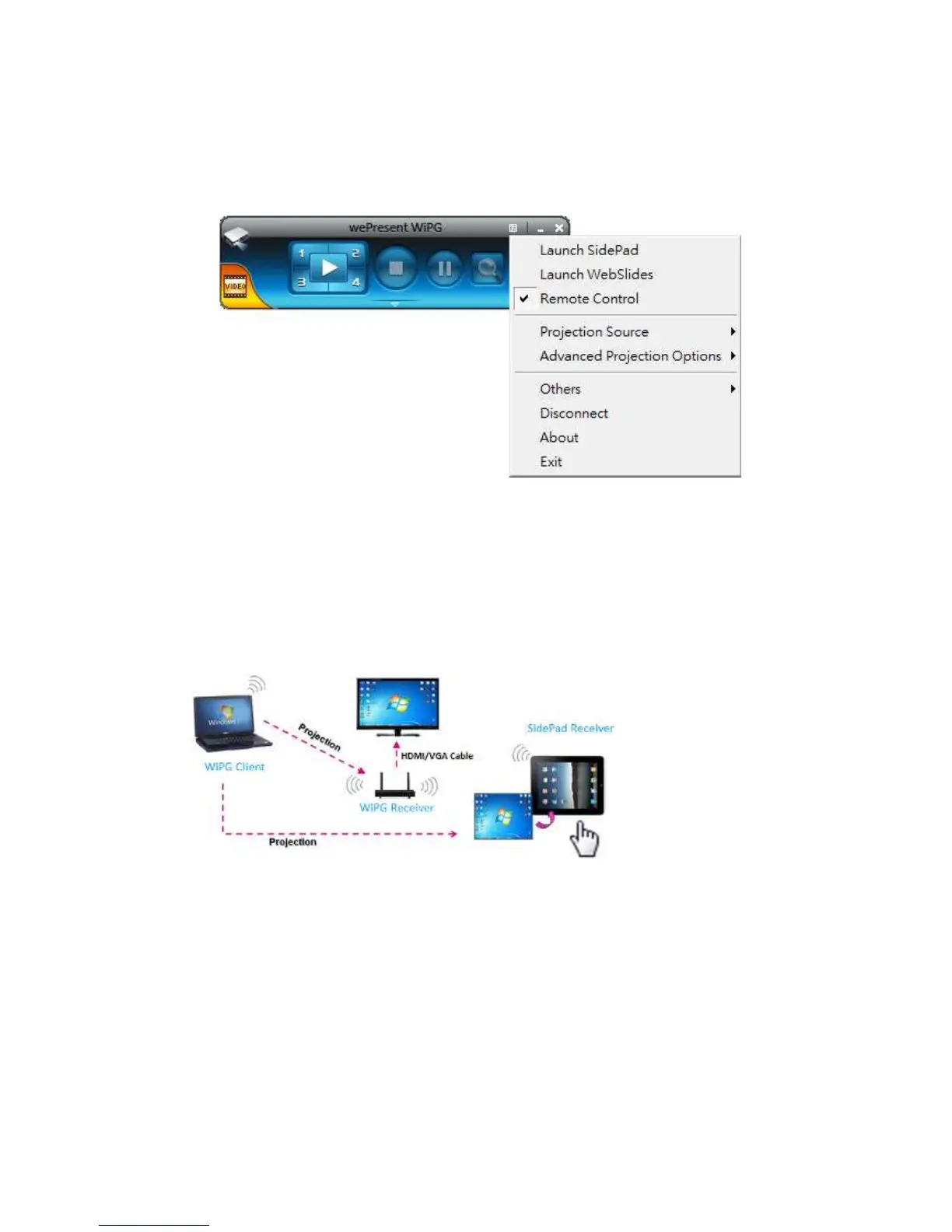
8.11 Menu
1) Press “Menu” button from the main UI, you will find the menu to enable the
additional feature or to change the application options.
8.11.1 Launch SidePad
Introduction: SidePad is an application to allow the user to connect
Pad/Smartphone (Android and iOS), PC, and display/projector via WiPG-2000
device. User can then control the projecting PC via Pad/Smartphone. Please refer to
the below image for more information.
1) SidePad Control for Android/iOS device.
z Android: Download “‘SidePad Receiver” from Google Play Store
z iOS: Download “‘SidePad Receiver” from Apple Store.
z Connect your Android device to WiPG-2000 device through WiFi and Launch
“‘SidePad Receiver”



 To Next Page