z Enable “Advanced Screen Capture”.
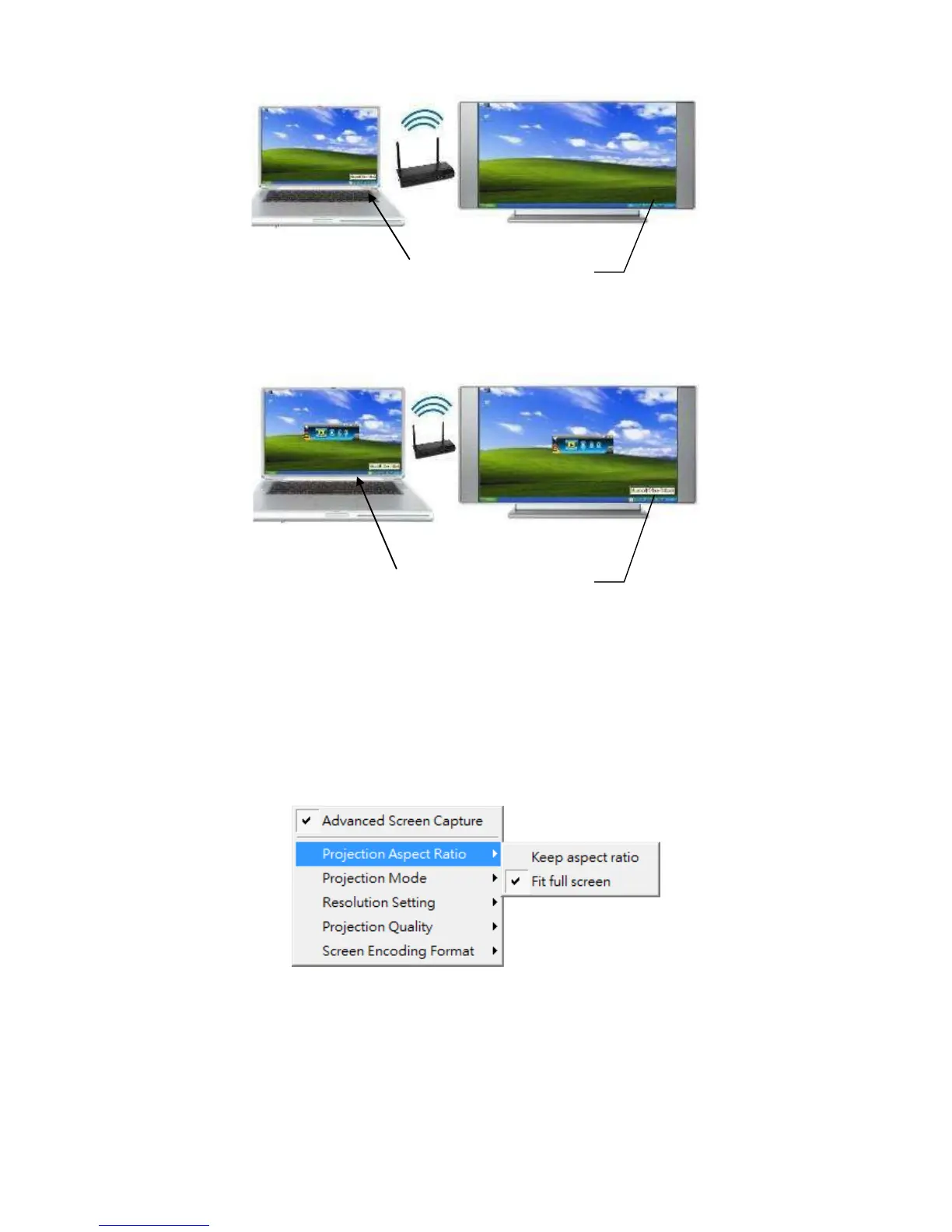
8.11.5.2 Projection Aspect Ratio
1) Click on “Projection Aspect Ratio”, choose “Keep aspect ratio” to keep the original
aspect ratio if the desktop resolution is different from WiPG-2000 output resolution,
or choose “Fit full screen” to project the screen to full screen.
8.11.5.3 Select Projection Mode
1) Click on “Select Projection Mode”, choose the Presentation mode for shortest
latency or the Video mode for auto-latency control to have better video



 To Next Page