9.2 Start the application
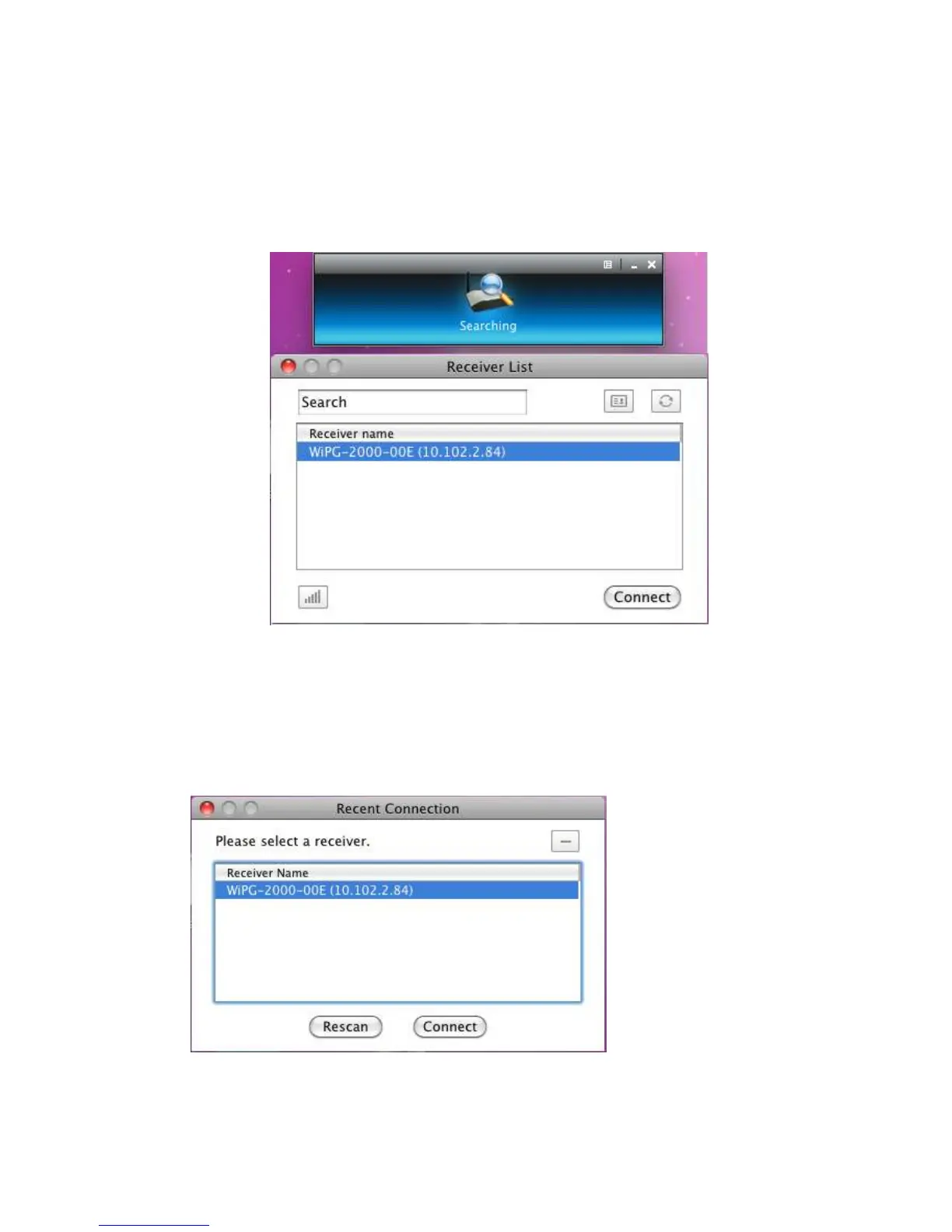
1) Click on wePresent WiPG-2000 icon from Application folder to execute the
application.
2) It will start to search wePresent WiPG-2000 receiver automatically.
9.3 Recent Connection
1) WiPG-2000 will memorize the successful connection profiles and open the recent
connect dialog, you can select one of the profile and press the “Connect” button to
connect this WiPG-2000 directly.
2) If you want to connect
to another WiPG-2000 receiver, please press the “Rescan” button.
3) WiPG-2000 application will search and list the WiPG-2000 receiver Device. You can



 To Next Page