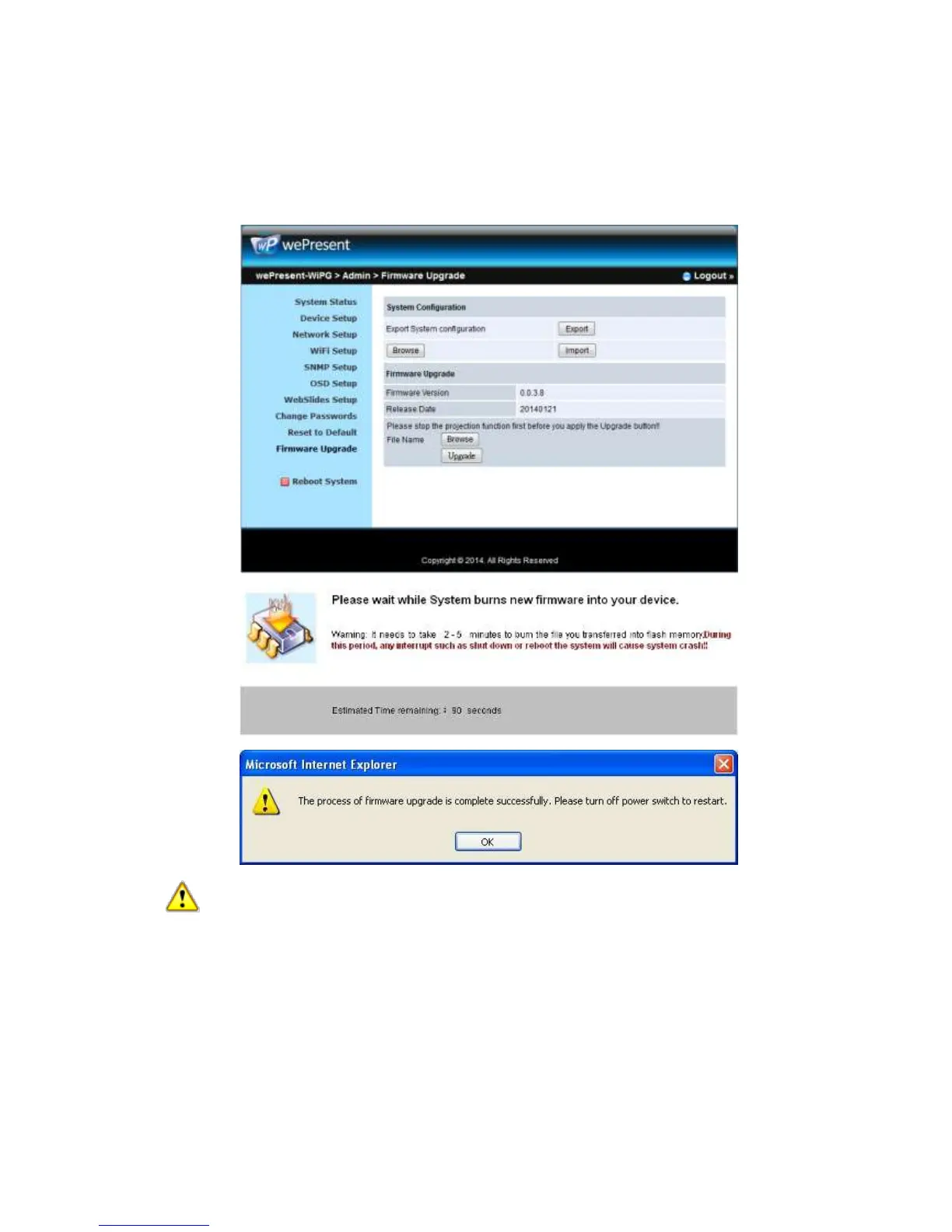
B. Click <Browse> to specify file name you want to upgrade.
C. Click <Upgrade> to start.
D. A warning message shown and count down counter on the screen.
E. After a few minutes, a complete message shown on the screen.
F. Restart wePresent WiPG-2000 box to take effect.
Warning: Don’t power off wePresent WiPG-2000 while firmware upgrade in
progress, otherwise you will damage your box and have to return device to your
vendor for fixing.
10.15 Reboot System
1) Click on “Reboot System” option, you can restart the system
i Click on <Reboot >button: reboot system automatically.



 To Next Page