z Click on “Launch SidePad” from the menu. In seconds, you shall see the PC
desktop shown on the iOS/Andriod Device. Now you can control the
projecting PC from your iOS/Android device.
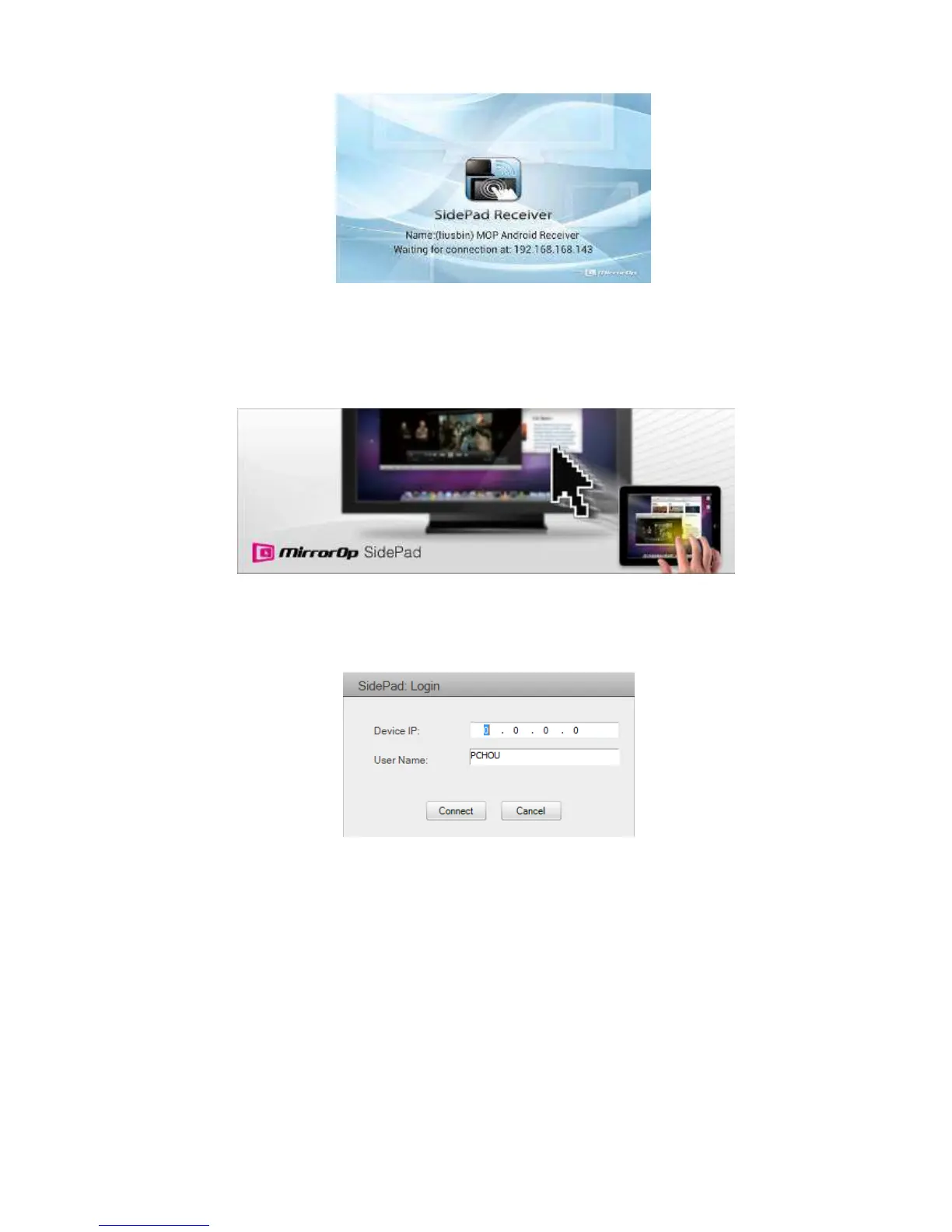
2) If there is no Smartphone/Pad device detected after clicking on “Launch SidePad”
the below image will show up.
8.11.2 Launch WebSlides
1) Introduction: Webslides is an application to allow the user/presenter to broadcast
the projecting screen/slides to allow multiple login users to receive the slides
during a presentation and save the slides for note taking later.



 To Next Page