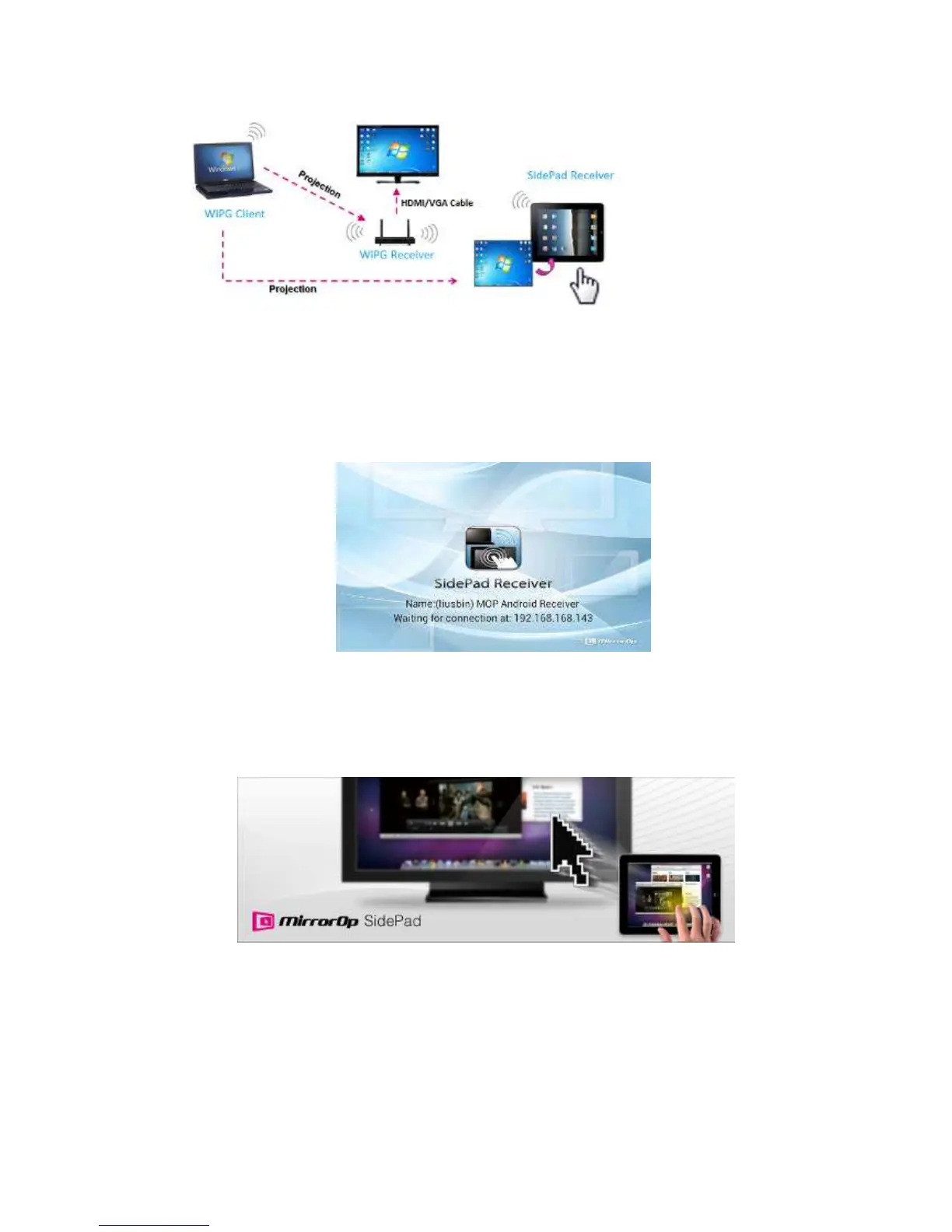
to the below image for more information.
2) SidePad Control for Android/iOS device.
z Android: Download “‘SidePad Receiver” from Google Play Store
z iOS: Download “‘SidePad Receiver” from Apple Store.
z Connect your Android device to WiPG-2000 device through WiFi and Launch
“‘SidePad Receiver”
z Click on “Launch SidePad” from the menu. In seconds, you shall see the PC
desktop shown on the iOS/Andriod Device. Now you can control the
projecting PC from your iOS/Android device.
3) If there is no Smartphone/Pad device detected after clicking on “Launch SidePad”
the below image will show up.



 To Next Page