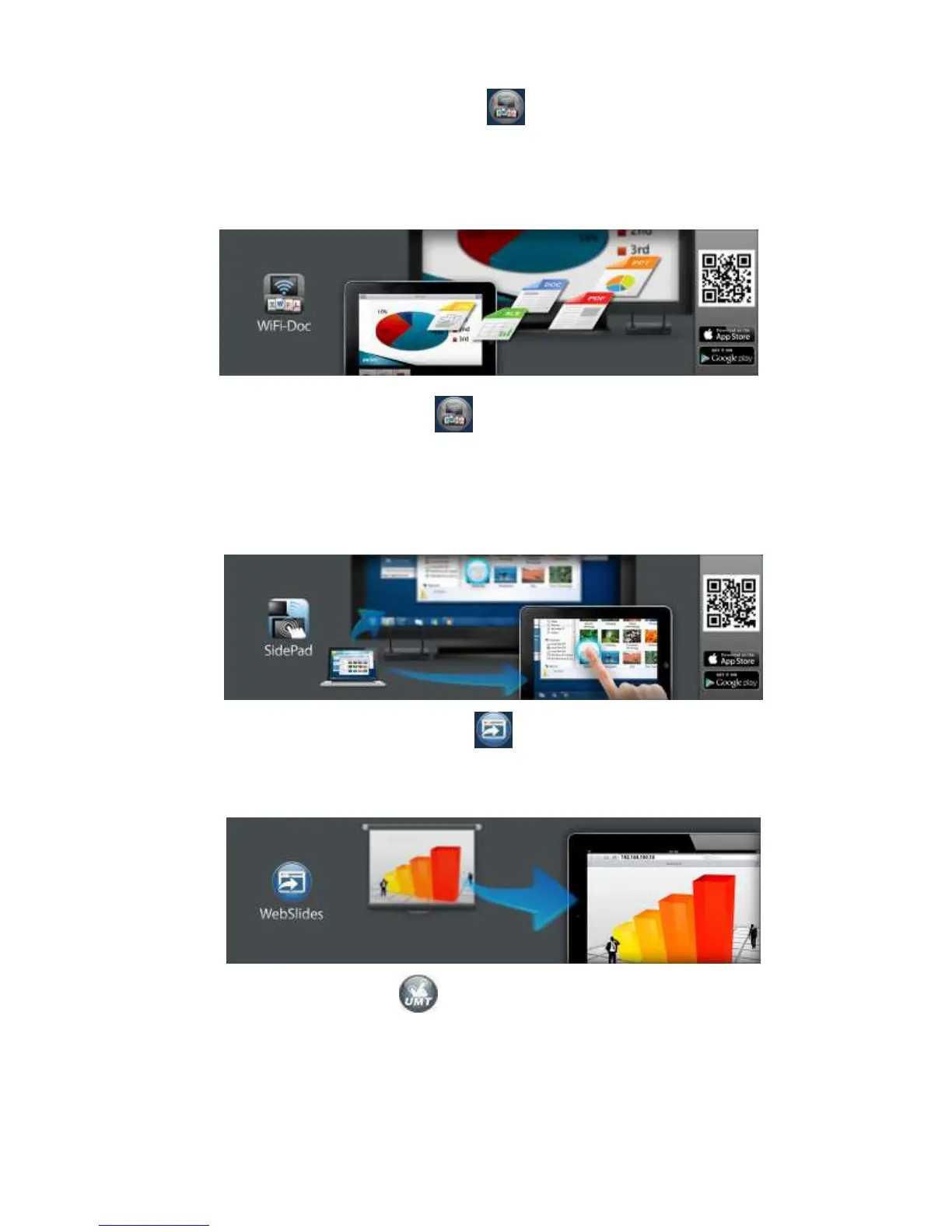
(2)WiFi-Doc(TBD): Click on WiFi-Doc icon , it describes the wireless
presentation for Mobile using WiFi-Doc. If your Smartphone has QR code scan App,
you can scan the QR code image on the screen with your Smartphone which will
lead you to the corresponding place to download all the available Apps.
(3)SidePad: Click on SidePad icon , it describes WiPG-2000 support SidePad
feature which allow users control the projecting screen on PC or Mac via
iPhone/iPad or Android devices. If your Smartphone has QR code scan App, you
can scan the QR code image on the screen with your Smartphone which will lead
you to the corresponding place to download all the available Apps.
(4) WebSlides: Click on WebSlides icon . It describes WiPG-2000 support
WebSlides feature which can broadcast slides to audience’s web browser through
network.
(5)UMT: Click on UMT icon . It describes WiPG-2000’s UMT(Universal
Multi-Touch) feature which can support standard touch device without installing
driver.



 To Next Page