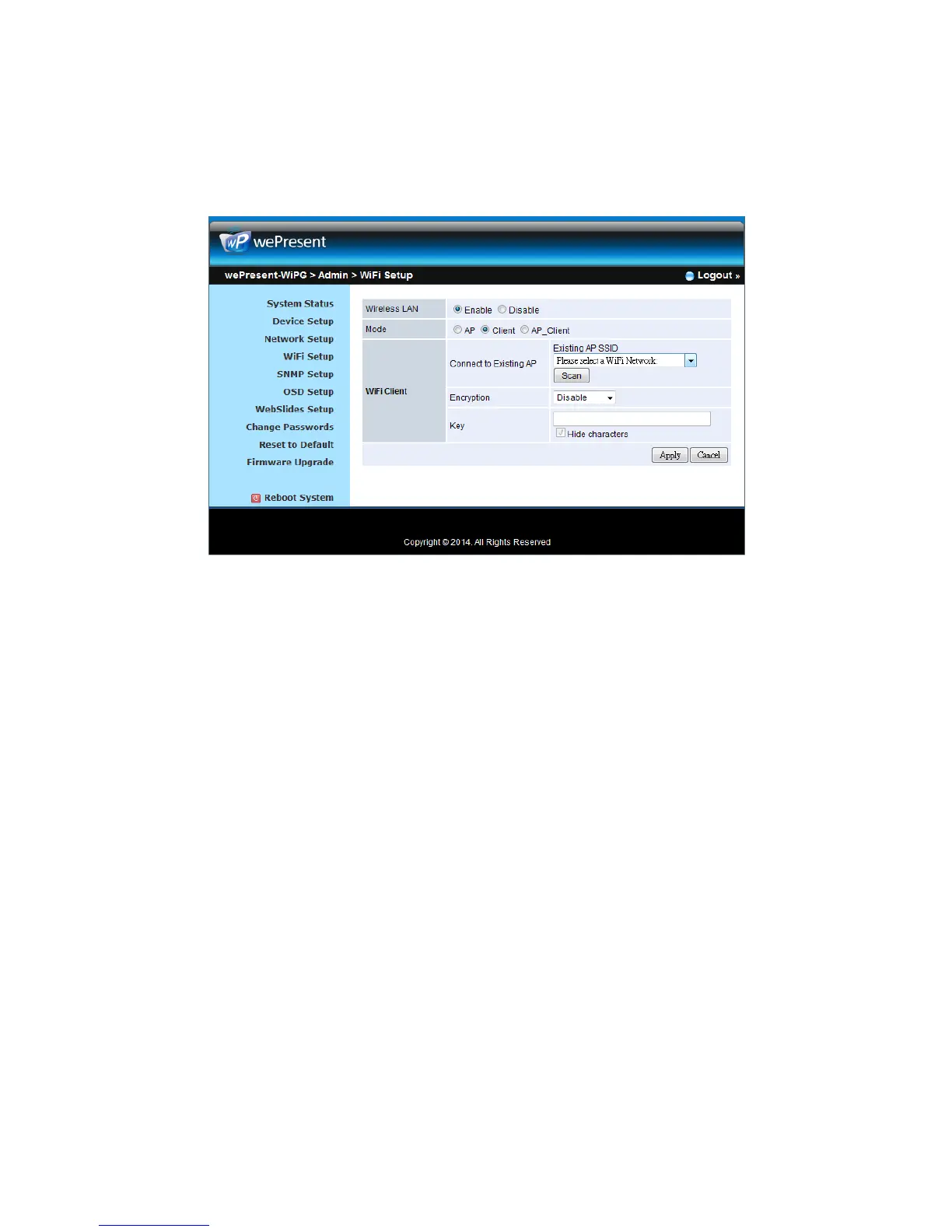
Key: If Encryption is enabled, you have to enter a key according to the
encryption mode you selected. (If the length of the key entered is not
sufficient or too long, a warning message will pop up.)
Note: The Encryption and Key information must be consistent to the exiting
AP configuration.
< Concurrent AP and Station Mode>
Access Point
z SSID: You can change the default SSID and the maximum Length is 32 bytes.
z SSID Broadcast: The default value is “Enable”
z Channel: You can set a fixed channel or allow auto selection. The “Auto”
selection means after power on wePresent WiPG-2000, it will scan all of
wireless channels and select one clear channel automatically.
z Encryption: you can select “Disable” or one of WEP/WPA PSK/WPA2 PSK/ WPA
Enterprise/ WPA2 Enterprise.
z Key: If Encryption is enabled, you have to enter a key according to the
encryption mode you selected. (If the length of the key entered is not
sufficient or too long, a warning message will pop up.)
z Channel Bandwidth: select from 20M or Auto (20M/40M)
WiFi Station:
z Connect to Existing AP: The default setting is “Disable”. If you choose “Enbale”
you need to enter the existing AP SSID that you want to connect. When you
select “Enable” option, the following information needs to be entered
accordingly to the existing AP setting:
Encryption: Select “Disable” or one of WEP/WPA PSK/WPA2 PSK/ WPA
Enterprise/ WPA2 Enterprise.
Key: If Encryption is enabled, you have to enter a key according to the



 To Next Page