User Guide
4. Management
4.9 Daisy Chaining
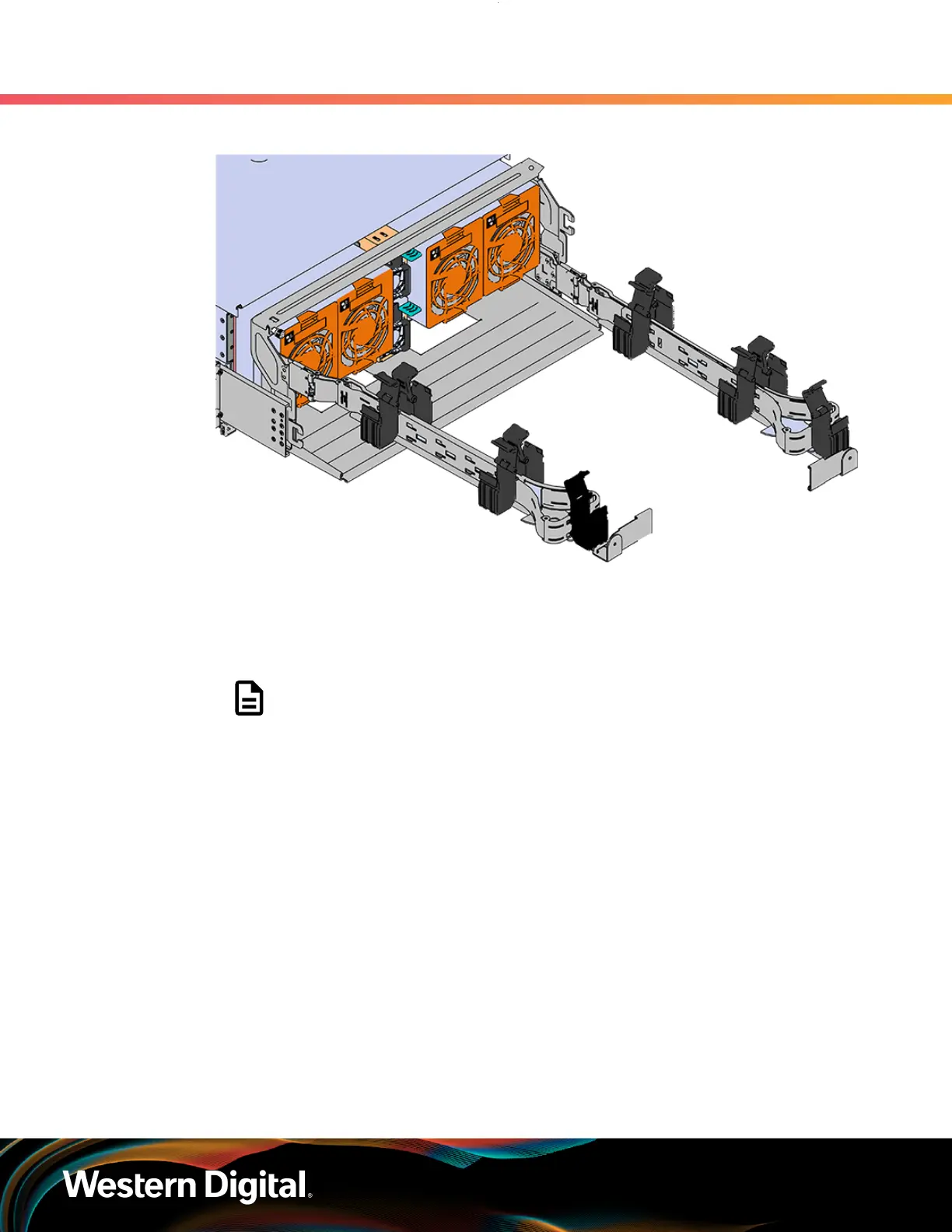
Figure 223: Open Baskets
d. Connect all of the SAS cables that will be used and route them through the baskets one at a
time. Make sure to follow the labels to make sure they are connected to the proper port.
e.
If the installation includes more than 10 total cables, follow the recommendations in Special
Considerations for Cable Routing (page 154). Read this section before proceeding.
Note: Each cable must be given enough slack at the connector end to
operate smoothly. For the lower CMA allow 20" - 21" (508 – 533.4mm)
between the connector and the first basket.
234




 To Next Page